“A chatbot on a law firm's website is risky — if it starts handing out legal advice, I'm the one on the hook.” It's the first reaction of almost every attorney we talk to. And they're half right: a badly built chatbot is a liability. But the fear comes from picturing the wrong bot — one running loose, opining on someone's case. The one that actually helps a firm does the opposite.
First, what this is. A chatbot is that chat window that pops up on a website (or on WhatsApp) and answers visitors on its own. When there's real AI behind it, it's not a menu of buttons: it understands plain-language questions and answers with the information you've given it about your firm.
In this article we cover what a chatbot does well on a law firm website (and what it should never do), how you configure it so it doesn't give legal advice, and what a firm gains by answering intake around the clock. No hype, and no pretending the machine will practice law for you.
Why the fear is legitimate (and why it's solvable)
The worry is reasonable. If a chatbot starts answering “do I have a case?” with a generic response pulled off the internet, it can get it wrong, set false expectations, and drift into the unauthorized practice of law — a real problem with your state bar. No firm wants a machine speaking for it about a matter no attorney has reviewed.
Here's the key thing to understand: a chatbot doesn't decide on its own what to say. It works from two things you control. One, what it knows: only the information you've loaded about your firm — the texts and documents you upload (your practice areas, your fees, how the first consultation works). It doesn't answer with whatever is out on the internet. And two, how it behaves: what the industry calls the system prompt, the master instructions you give it before it ever talks to anyone — what it can say, what it can't, and how to act when something falls outside that.
So you can load your firm's real information and, at the same time, tell it literally: “Do not give legal advice. If someone asks about their specific case, explain that an attorney evaluates that in a consultation and offer to take their details.” It answers with your information, within the limits you set. We go deep on this in our guide to the system prompt for a business chatbot.
The real problem it solves
An attorney doesn't make money answering “how much is the first consultation?” twenty times a day. Yet a big chunk of the day goes to exactly that. According to the Clio Legal Trends Report — the sector's benchmark, built on data from tens of thousands of firms — the average lawyer bills just under 3 hours of an 8-hour day. The rest is eaten by non-billable work: admin, scheduling, and intake questions that repeat over and over.
Then there's what happens after hours. Someone with a legal problem — a crash, a firing, an eviction notice — doesn't wait until tomorrow: they call the next firm on the list. That's not a hunch. A study by MIT and InsideSales.com of over 15,000 leads found that responding within the first 5 minutes makes you 21x more likely to qualify that lead than waiting 30. A chatbot responds instantly, at 3 a.m. too.
How you configure it so it doesn't give legal advice
This is the heart of it. Two mechanisms, together, keep the bot in its lane:
1. It answers only with YOUR information. A serious law firm chatbot doesn't answer with what it “knows” from the internet. It uses a technique called RAG (retrieval over your own documents): before answering, it searches the information you've loaded — your fees, your practice areas, how you work — and answers from that. If the answer isn't there, it doesn't make one up. Why that matters so much is covered in why your chatbot fails and how to fix it.
2. It's barred from opining. Through the system prompt you set the boundary: it doesn't evaluate anyone's specific matter, doesn't say whether someone has a case, and doesn't hand out strategy for their situation. When someone asks about their situation, the bot can give general orientation and defer what's specific to their case: it makes clear an attorney evaluates that, and offers to take their details for a consultation. It genuinely helps without weighing in on the case — you'll see it in the example just below.
A real example: a car accident inquiry
Better to see it than explain it. This is how a well-configured bot behaves when a real inquiry comes in — not a “what are your hours?” but someone with an actual problem on their hands:
We'll read your conversation as context.
Notice what it didn't do: it didn't say whether the client will win, or what the case is worth. It recognized the practice area, asked just enough to qualify (injured, saw a doctor), gave general orientation, made clear the case evaluation belongs to an attorney, and captured the contact for a consultation. That boundary — help without opining — is exactly what the system prompt sets.
What a chatbot does well on a law firm website
With the off-limits part settled, there's plenty of useful ground — and it's exactly what buries most firms' intake:
- Answer the same questions, always: fees and the cost of a first consultation, practice areas, location and hours, how the process works, what documents to bring.
- Qualify the inquiry: ask the practice area (personal injury, family, criminal, employment…) and the type of matter, so it arrives with context, not a bare “I need a lawyer.”
- Filter what isn't your area: if you don't take criminal, the bot can say so politely instead of booking a consultation that made no sense.
- Give general orientation (as far as you want): it can explain how a process generally works or what usually happens in similar cases. General information — never applied to the specific matter of whoever's asking.
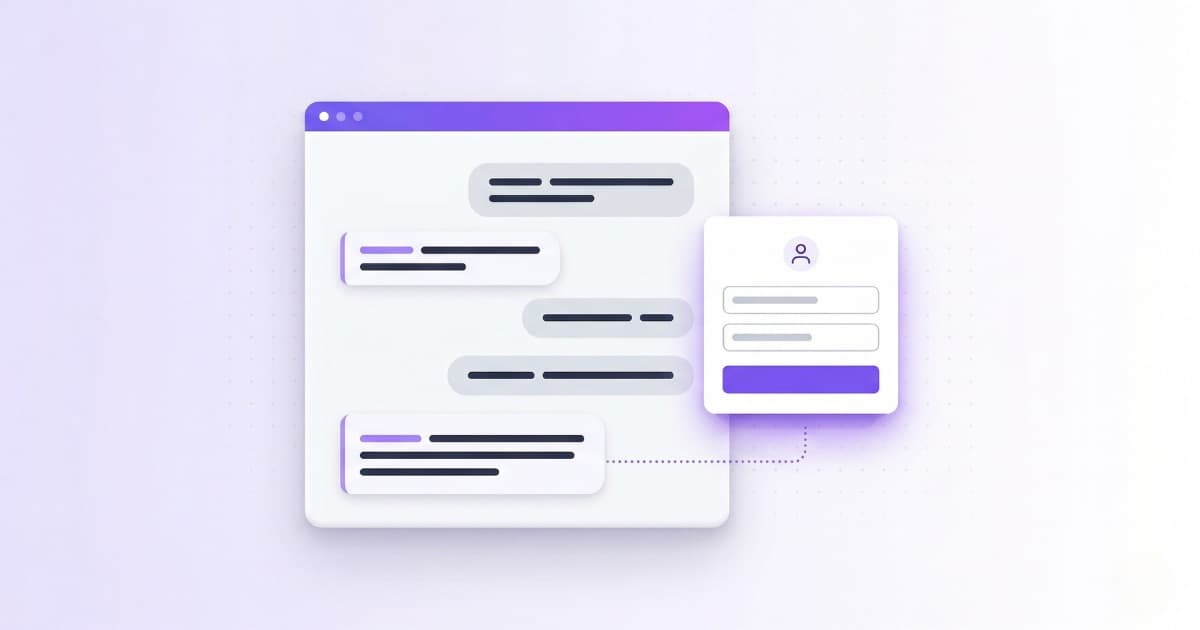
- Capture the contact with all the context: the bot shows a quick form (name, phone…) and attaches the whole conversation, so the attorney calls back already up to speed.
- Be where the client is: on the firm's website (the widget, the chat window) and also on WhatsApp, which many people now prefer for messaging.
| What it does | What it does NOT do (and shouldn't) |
|---|---|
| Explain fees and how the first consultation works | Tell you whether you'll win your case |
| Give general legal information (how a process works) | Apply that information to your specific case |
| Take your details for a first consultation | Evaluate your specific matter |
| Answer 24/7 on the web and WhatsApp | Replace the attorney in the client relationship |
Confidentiality, privilege and ethical rules
A firm handles sensitive information and is bound by confidentiality, so this part isn't optional. A well-designed chatbot helps rather than gets in the way, if it's set up with judgment:
- It collects only what's needed for the firm to make contact (name, phone, type of matter), not a full account of the client's situation over chat.
- It meets data-protection rules: a data-processing notice and consent before capturing the contact, same as any form on your site.
- It makes clear it's an automated assistant and not a substitute for an attorney — and it can carry the disclaimers your jurisdiction's ethical rules require. No making a visitor think they're talking to a lawyer.
In other words: the bot is the front door — it sorts and filters — but the relationship of trust, and everything touching privilege, stays with the attorney.
What it does NOT do (and be skeptical of anyone who says otherwise)
For honesty's sake, and because it's exactly what protects your firm, it's worth writing down. A law firm chatbot does not:
- Give legal advice applied to the specific matter of whoever's asking: it won't say if they'll win or evaluate their situation.
- Replace the first consultation or judge whether a case has merit.
- Draft complaints, contracts or motions for the client.
- Decide who's right. That's an attorney's job, not a machine's.
How to put one on your law firm website
Less technical than it sounds, and no coding. Three steps:
- Train the bot on your firm's information: practice areas, fees, how the first consultation works, FAQs. You upload your documents and it learns from them.
- Configure the system prompt: set what it doesn't say (no legal advice) and how it defers when someone asks about their case.
- Put it wherever you want: paste one line of code on your site for the chat widget, or connect your WhatsApp number. Done.
So, should you put one on your firm's site?
The fear of putting a chatbot on a law firm site is legitimate, but it's solved by configuring it well. One that answers only with your information, gives general orientation, doesn't evaluate anyone's specific case, and captures the contact with the whole conversation doesn't replace you: it takes the repetitive intake off your plate and answers the people who show up after hours, when the office is closed.
Every firm is different — a PI practice doesn't field the same inquiries as a family attorney — so the best way to know if it fits is to test it with your own. With Bravos AI you set one up, train it on your firm's information and watch it respond for 7 days at no cost. And if you use Claude or ChatGPT, with our MCP connector the assistant applies the same judgment we use to build the bots to tell you how to tune it to your firm's inquiries. If it doesn't convince you, you walk away.
Frequently asked questions
Can a chatbot give legal advice to my clients?
No, and it shouldn't. A chatbot configured properly for a firm is barred from opining on specific matters: it shares the firm's information (fees, practice areas, first consultation), gives general orientation, qualifies the inquiry and defers to an attorney. The advice comes from the professional, not the machine. That's enforced through the system prompt, the instructions that set what the bot can and can't say.
Is a law firm chatbot safe with confidential information and privilege?
Yes, if it's set up with judgment. The bot should collect only what's needed to make contact (name, phone, type of matter), ask for data-processing consent like any form, carry the disclaimers your jurisdiction requires, and make clear it's an automated assistant. Privilege and the client relationship stay with the attorney.
Do I need to know how to code to set up a law firm chatbot?
No. You train the bot by uploading your firm's information, adjust how it behaves from a dashboard, and paste one line of code on your site (or connect WhatsApp). No technical skills required.
Does a law firm chatbot work over WhatsApp?
Yes. Beyond the website chat, the bot can handle inquiries over WhatsApp, which many people prefer for reaching a firm. It behaves the same: it informs, qualifies and captures the contact, 24 hours a day.
Sources
- Clio — Legal Trends Report 2024 — Average utilization rate of 37%: lawyers bill just under 3 hours of an 8-hour workday.
- MIT / InsideSales.com — Lead Response Management Study — Over 15,000 leads analyzed. Responding within 5 minutes makes you 21x more likely to qualify the lead.
- Clio — Chatbots for Lawyers: A Complete Guide — The sector’s own take on chatbots and automated intake for law firms.
Try a chatbot for your firm
Train it on your firm's information, configure it so it doesn't give legal advice, and put it on your site in minutes. 7-day PRO trial, no credit card: if you like it, add your card at the end; if not, you pay nothing.
Try PRO free for 7 days