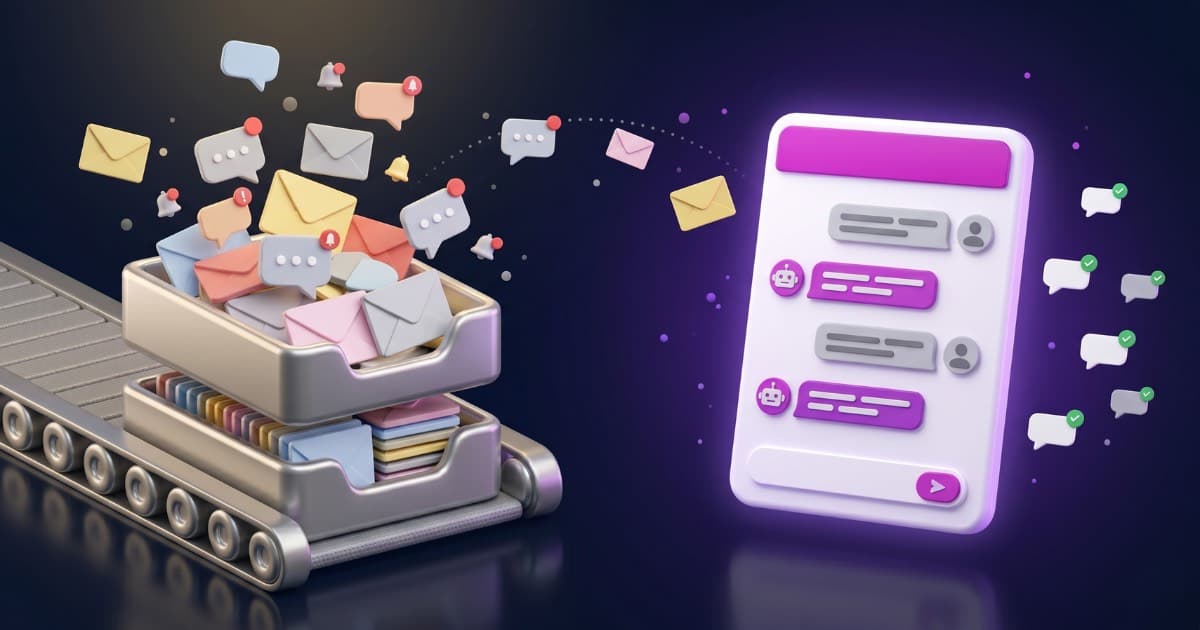
You run a small business. You get inquiries by email, through your website form, on social media. The same questions over and over: business hours, pricing, availability, how your service works. You or someone on your team spends hours every week answering the same things.
What if you could automate most of those inquiries without hiring anyone?
According to a McKinsey case study, businesses that implement chatbots properly reduce service interactions by 40-50%. And 91% of small businesses already using AI say it increases their revenue. In this guide, we'll show you how to do it right — no jargon, no fluff, just the numbers.
Why Small Businesses Are Adopting Chatbots (And Why You Should Consider It)
Enterprise companies have been using chatbots for years. But in 2026, the technology has matured enough to make economic sense for small businesses.
The Numbers
- 40-50% reduction in customer service interactions with well-implemented chatbots (McKinsey case study)
- 20%+ reduction in cost-to-serve (McKinsey)
- 75% of SMBs are already experimenting with AI, and 91% of those using it say it increases revenue (Salesforce)
- $80 billion estimated savings in contact center costs from conversational AI by 2026 (Gartner)
What's Changed in 2026
A few years ago, setting up a chatbot required developers, complex integrations, and five-figure budgets. Today you can have one running on your website in under an hour, trained on your own information. Plans start at €19/month with a 7-day PRO trial if you want to test the performance before paying.
The difference is RAG technology (Retrieval-Augmented Generation): the chatbot doesn't make up answers — it searches your documents, your website, your FAQs, and responds only with what you've given it. If it doesn't know something, it says so.
What a Chatbot Actually Does for a Small Business
Answers the same questions you're tired of answering
Business hours, pricing, availability, how your service works, return policy. The chatbot handles them in seconds, 24/7, without you or your team lifting a finger.
Captures potential customers while you sleep
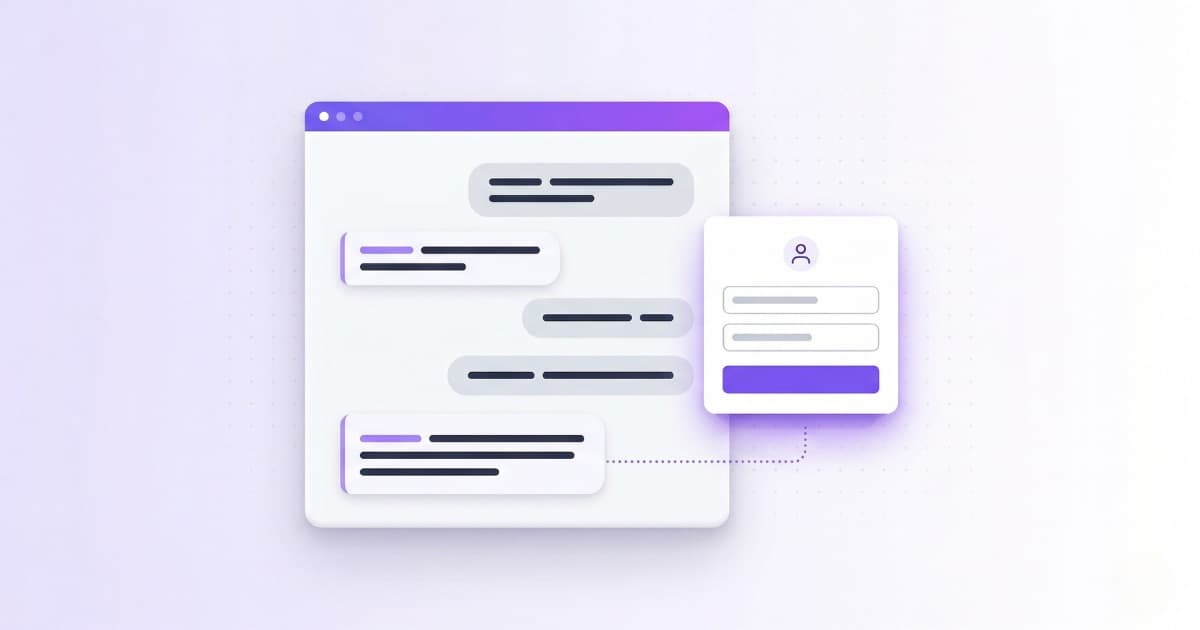
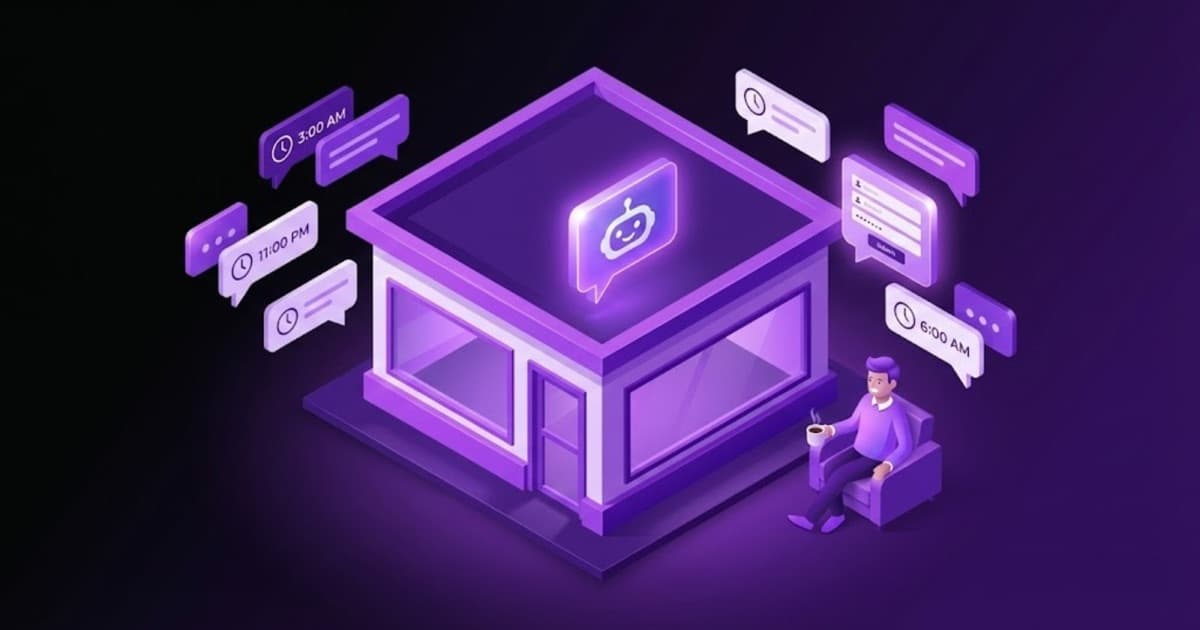
Someone visits your website at 11 PM. The chatbot engages them, asks questions, understands what they need. The next morning you have an email with their contact info and the full conversation context. Without a chatbot, that potential customer would be gone.
Filters products from your catalog
If you have a catalog with prices, categories, features — the chatbot can filter exactly what the customer asks for. "Laptops under €600 with 16GB RAM" → exact results, not approximations. With Bravos AI you upload a CSV and it works automatically, no code required.
Stays updated with your data
Does your inventory change? Do your prices update? If you export your data to CSV or Google Sheets, the chatbot syncs automatically. No retraining or reconfiguring every time something changes. And if you use Claude or ChatGPT, with our MCP connector the assistant you already use reviews the bot with our judgment inside and proposes what to improve, not just runs what you ask.
What Does a Small Business Chatbot Actually Cost?
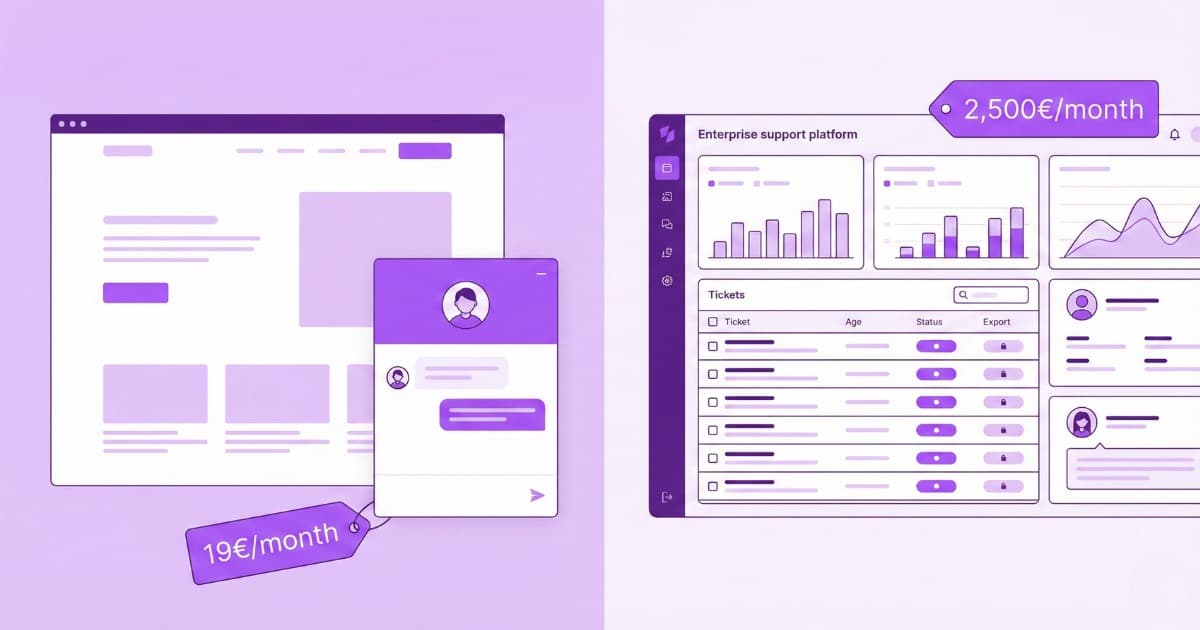
It depends on the platform, how they charge (per message, per conversation, per resolution), and what features you need. With Bravos AI you can try the full PRO plan free for 7 days and plans start at €19/month. Other platforms have similar base prices, but then charge extra for every query the AI resolves — and that's where costs explode.
We've done a complete pricing comparison with Tidio, Intercom, Crisp, Zendesk, and Chatbase. Real numbers, verified, explaining the traps in each pricing model.
The Calculation That Matters: Is It Worth It?
Picture this typical situation:
- Your team spends 20 hours/week answering repetitive inquiries
- Cost of that time: ~€900/month (at €12/hour with overhead)
- A chatbot resolves 50% of those inquiries automatically (conservative based on McKinsey's documented 40-50% reduction)
- Savings: €450/month in recovered time
- Chatbot cost: €49/month
- Net savings: €401/month from day one
And that's not counting the potential customers you capture outside business hours — who today simply leave.
How to Choose the Right Chatbot for Your Small Business
Not all chatbots are equal. These are the questions you should ask before choosing:
Can I train it with my own data without coding?
The chatbot needs to answer about YOUR business, not give generic responses. Look for platforms that let you upload your website, PDFs, documents, without needing a developer.
How does it handle my product catalog?
If you have an Excel or CSV with products, prices, features — ask how it manages that. Most chatbots treat your catalog as text and give approximate answers.
If a customer asks "Language courses in London under €200/month", you need the chatbot to filter exactly that, not give you "something similar". We explain this problem in detail here.
What happens when it doesn't know the answer?
A good chatbot says "I don't know" and offers to collect contact information. A bad chatbot makes things up. Ask specifically what it does when it can't find relevant information.
How does it notify me of new contacts?
If the chatbot captures someone's details at 3 AM but you don't find out until three days later, you've lost the opportunity. Look for real-time email notifications.
Is it GDPR compliant?
If you operate in Europe or serve European customers, the chatbot must comply with data protection regulations. Ask where conversation data is stored and what privacy policies apply.
Mistakes That Ruin Implementation
Not giving it enough content
A chatbot with three FAQs will answer "I don't know" constantly. Prepare your content well: real frequently asked questions, product information, policies. The more you give it, the better it responds.
Hiding it in a corner
If the widget is a tiny icon nobody sees, it won't solve anything. Make it visible. Make it stand out. Make sure customers see it as soon as they land on your site.
Not reviewing conversations
The first few weeks, review the conversations. You'll see which questions it can't answer, what information you're missing. It's the fastest way to improve the chatbot. And if you'd rather not do it by hand, by connecting your chatbot to Claude or ChatGPT the AI itself reviews those conversations and points out what's failing.
How to Get Started with Bravos AI
1. Create your account and start the PRO trial
Go to app.bravos-ai.com and create your account. You start with 7 days free on the full PRO plan.
2. Upload your content
- Your website: Paste the URL and the system extracts the content automatically
- Documents: Upload PDFs with your business information
- Catalog: If you have an Excel or CSV with products, upload it. The chatbot will be able to filter by price, category, whatever you need
3. Customize the widget
Set your brand colors and welcome message. The widget appears on all pages of your website.
4. Install on your website
One line of code. If you use WordPress, there's a step-by-step tutorial; and if your site is built with Wix, there's a Wix chatbot guide too.
5. Enable the contact form
Configure the chatbot's contact form so you receive the customer's details + the full conversation context by email.
In 10 minutes you have the chatbot running. The first few weeks, review conversations and add content to fill the gaps.
Conclusion
20 hours a week answering the same questions. Potential customers visiting your website at 10 PM and finding no one. Catalog inquiries that require digging through a spreadsheet. All of that can be automated today, with technology that didn't exist at this price three years ago.
The key is choosing well: a platform you can train with your data, that doesn't make things up, and that has pricing that makes sense for your volume.
With Bravos AI you can create a chatbot, train it with your website and documents, and test it in under 10 minutes. If you have a product catalog, you can upload a CSV and the chatbot will automatically filter by price, category, or whatever you need — no code, no APIs. Start with 7 days free on the PRO plan.
Frequently asked questions
What does a chatbot do for a small business in practice?
Four things. It answers the questions your team is already tired of answering (hours, prices, availability, how the service works, return policies) 24/7, in seconds. It captures potential customers while you sleep: someone visits your website at 11 PM, the chatbot talks to them, asks a few questions, and the next morning you have an email with their details and the full context. It filters products from your catalog with exact attribute matching (price, category, specs). It stays up to date with your data: if you export it to CSV or Google Sheets, the chatbot syncs automatically.
How much does an affordable chatbot for small businesses cost?
It depends on the platform and the pricing model (per message, per conversation, per resolution). On Bravos AI you can try the full PRO plan free for 7 days, and plans start at €19/month. On other platforms the base price looks similar, but they charge extra for every query the AI resolves, and that is where the bill climbs. For a typical small business spending 20 hours a week on repetitive questions (~€900/month in staff cost), a chatbot that resolves half of them frees up €450/month against a €49/month plan: €401 in net savings from the first month.
How do I choose the right chatbot for my small business?
Before you pick one, ask: (1) Can I train it with my own data without coding? (2) How does it handle my product catalog: exact or approximate filtering? (3) What does it do when it doesn't know the answer (a good chatbot says "I don't know" and offers to take a contact; a bad one makes the answer up)? (4) How does it notify me of new contacts (real-time email notifications matter)? (5) Is it GDPR compliant if I operate in Europe?
What mistakes ruin a chatbot implementation in a small business?
Three common ones. Not giving it enough content: a chatbot with three FAQs will answer "I don't know" all the time; prepare real FAQs, structured product information and well-written policies. Hiding it in a tiny corner nobody sees: make it visible. Not reviewing conversations during the first few weeks: it is the fastest way to spot what it can't answer and which content is missing.
Sources
- McKinsey — The next frontier of customer engagement: AI-enabled customer service — Asian bank case study: 40-50% reduction in service interactions, 20%+ reduction in cost-to-serve
- Salesforce — SMBs AI Trends 2025 — 75% of SMBs experimenting with AI, 91% say it increases revenue
- Gartner — Conversational AI Will Reduce Contact Center Labor Costs — $80B savings by 2026
Ready to automate your customer service?
Set up your AI chatbot in under 10 minutes. No code needed.
Try PRO free for 7 days