When people search for «WhatsApp auto reply», they usually mean three very different things hiding under the same name. The away message you can set inside the WhatsApp Business app, the rule-based bots people glue together with Zapier, and an AI agent that actually understands what the customer is asking and answers with your real business data. We walk through all three, when each one is enough, and what to use for an actual business in 2026.
Why this matters: a Harvard Business Review study of 1.25 million sales leads found that companies that reply to a customer within an hour are 7x more likely to have a meaningful conversation with a decision-maker than those who wait even one hour more. WhatsApp customers expect a faster reply than email — closer to minutes than hours. Every hour of silence is a sale cooling off.
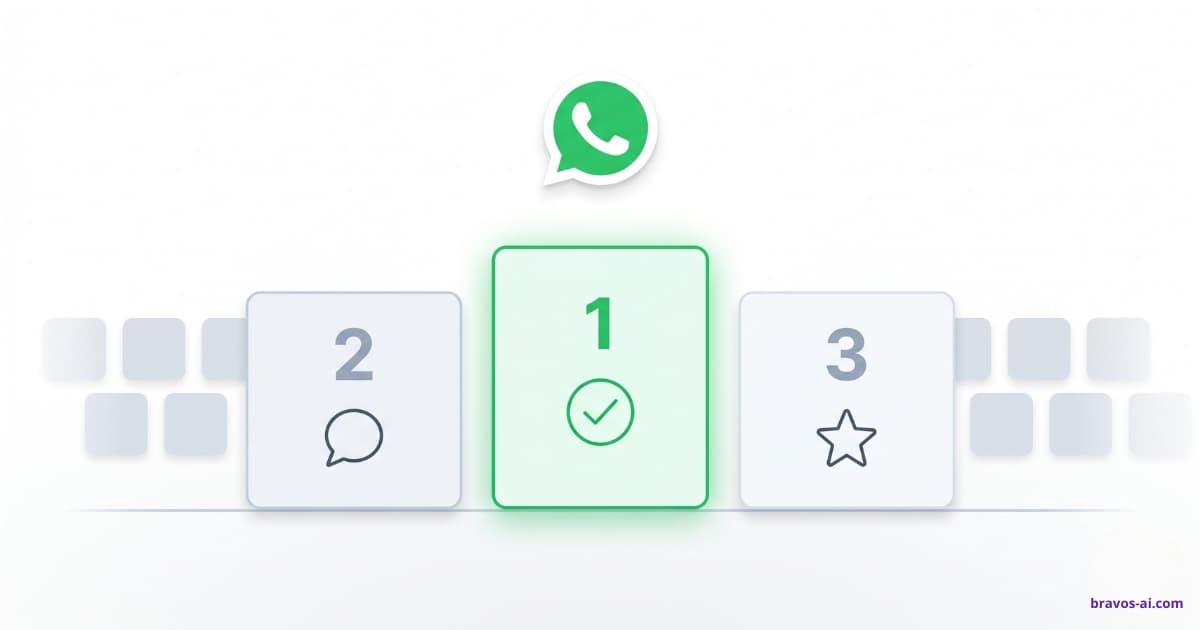
The three real ways to auto reply on WhatsApp
One name, three very different levels. Most people only know the first one — that is why so many businesses end up «auto-replying» with a static text and then wonder why they still lose customers.
Level 1: the static away message — WhatsApp's built-in auto reply
The official WhatsApp Business app on your phone lets you set two fixed messages: a greeting (sent on first contact) and an away message for outside business hours. Third-party Android apps like WhatsAuto do something similar for personal WhatsApp. It is free, takes five minutes to set up and covers the bare minimum so you do not look like a business that ignores its customers. That is it: it does not understand what the customer is asking, it does not pull from your business data, and it sends the same text to everyone. A sign that mails itself.
Level 2: rule-based replies (keyword triggers)
A step up. You wire «if customer types X, reply Y» — usually with n8n, Zapier, Make or platforms like Manychat. If the customer types «hours», the bot answers with your hours; if they type «price», it sends a PDF. Works when your customers always ask the same four things using the same four words. Breaks the moment someone phrases it differently: «what time do you open?» is not «hours», and the bot says nothing. Maintenance is heavy and you never cover every case.
Level 3: an AI that understands and replies with your real business data
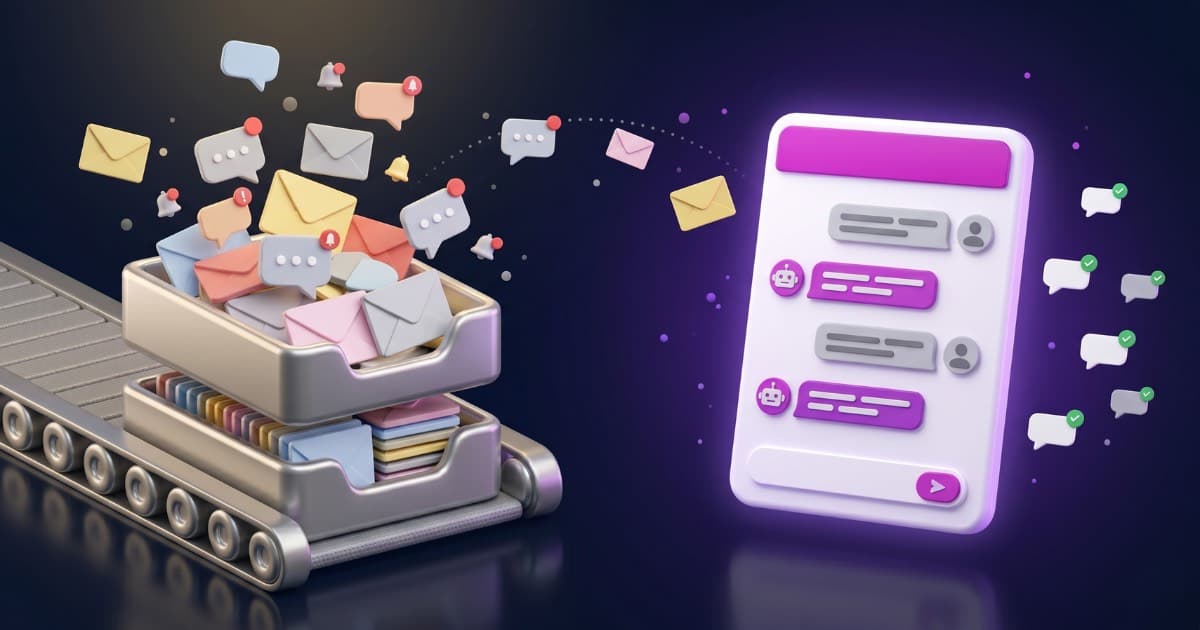
An AI agent connected to your WhatsApp Business number. It does not reply the same to everyone, and it does not work off keywords. It reads the question, retrieves the answer from the business information you uploaded (your website, a PDF, a product CSV), and replies the way a person who had read all your documents would. If someone asks «are you open Saturday evening?», it answers with your actual hours. If they ask «do you have washer-dryers under $800?», it pulls from your catalog and lists the ones that fit. This is no longer «auto reply» in the old sense. It is full customer service, 24/7, without hiring anyone.
Out-of-office on WhatsApp: what works and what does not
A lot of people land on this topic looking for a clean out-of-office message on WhatsApp — the equivalent of the email autoresponder they already use. The good news is there is a native way to do it. The bad news is the native way is very limited, and there is a much better alternative once you understand the difference.
The native away message in WhatsApp Business
Inside the free WhatsApp Business app (Android or iPhone) you can set an away message that auto-sends when you are outside your business hours. You go to the app settings, open Business tools, tap Away message, write the text, pick the schedule (always away / custom schedule / outside business hours), and choose who receives it (everyone, only people not in your address book, etc.). It works, and it is free.
What the native away message cannot do
One big limit: it is the same text for every customer. Whether they ask about your hours, your pricing, an order or a refund, they all get the same line — «We are away, we will get back to you soon». For a small shop closing at night that is fine. For a business that genuinely wants to look after its customers outside business hours, it is acknowledgment, not service. The customer still leaves the chat with no answer.
The modern replacement: an AI that actually answers
The away message exists because, in 2018, the only thing a phone-based business app could do automatically was send a fixed text. In 2026, with a WhatsApp Business AI chatbot, your number is covered 24/7: at 11 PM the customer asks «are you open tomorrow?» and the bot answers with your real hours. Asks «do you ship to Canada?» and the bot answers from your shipping policy. No more «we are away» messages — you actually solve the customer's problem while you sleep. That is the upgrade from out-of-office to always-on.
Auto reply on personal WhatsApp: the ban risk
Worth being upfront about this: some searches for «WhatsApp auto reply» come from individuals who want to automate their personal WhatsApp account, not a business one. There is no clean way to do that.
Apps like WhatsAuto and AutoResponder for Android sit in the background and send fixed replies to incoming messages on personal WhatsApp. Three problems:
- Not official. They use Android accessibility tricks; any WhatsApp update can break them.
- Ban risk. WhatsApp explicitly does not allow automating personal accounts with external apps. If they detect automated bulk sending, your number can be blocked.
For one-off use (vacation away message, while you are driving, in a meeting) they may be acceptable if you take the risk. For anything resembling a business, the right move is to switch to WhatsApp Business (free, separate app) and, if you want a real reply, plug it into an AI platform.
WhatsApp Business auto reply: from a fixed text to an AI agent
For businesses, there are two layers worth knowing: what the free WhatsApp Business app gives you out of the box, and what you can do once you connect the number to the WhatsApp Business Cloud API.
In the WhatsApp Business app (free, phone-based)
Greeting message + away message + quick replies (manual one-tap shortcuts). Fine for a shop closing at night, no customer-service ambition. Setup: 5 min. Cost: $0.
With WhatsApp Business Cloud API + AI chatbot
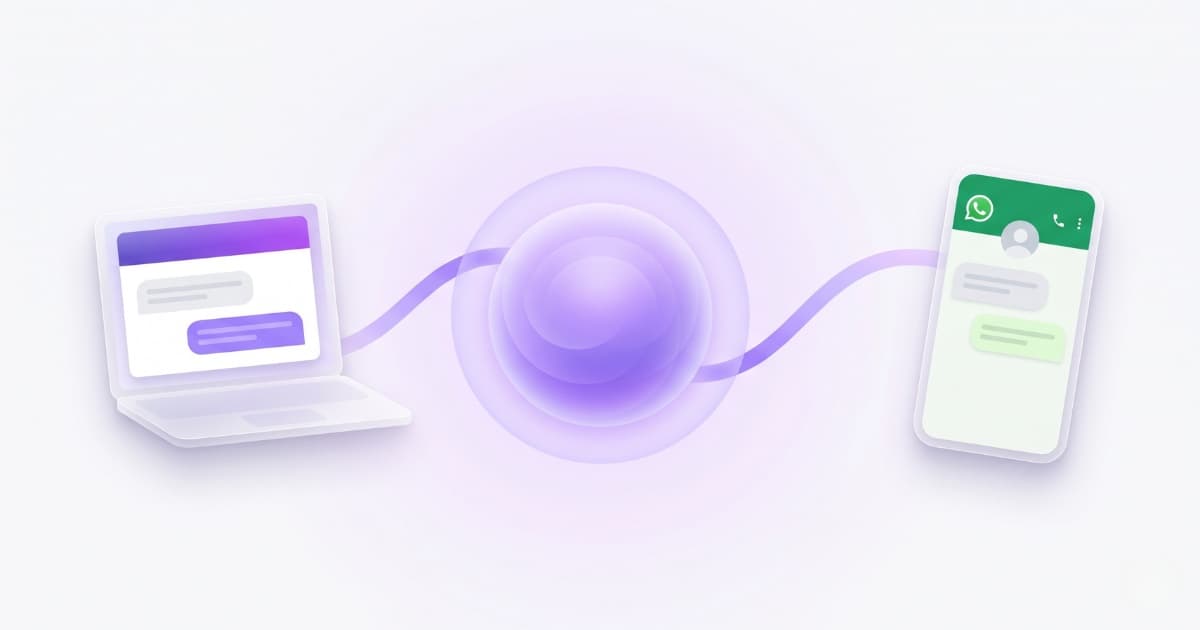
A different category. Your number moves to the cloud, and a chatbot platform ties it to an AI agent grounded on your business data. Every incoming message gets an automatic reply in seconds with the actual information from your website, PDFs and product catalog. Multilingual, handles photos / audio / PDFs from the customer, 24/7. Setup: ~10 min. Cost: from $23/month, with no extra Meta fees for customer-initiated replies since July 2025.
The cleanest way to plug into the Cloud API is through a Meta-verified Tech Provider — which is what we are at Bravos AI. That means the integration is direct with Meta: no Twilio, no third-party BSP middleware, no per-client tokens that expire every 60 days, no surcharge on each message. The whole setup is a single 60-second popup. Most other platforms in the market route through middleware, which adds days of extra configuration and a recurring per-message fee on top of Meta's own pricing.
Real WhatsApp auto reply conversations (AI in action)
Two conversations your bot would handle on its own, no human input needed:
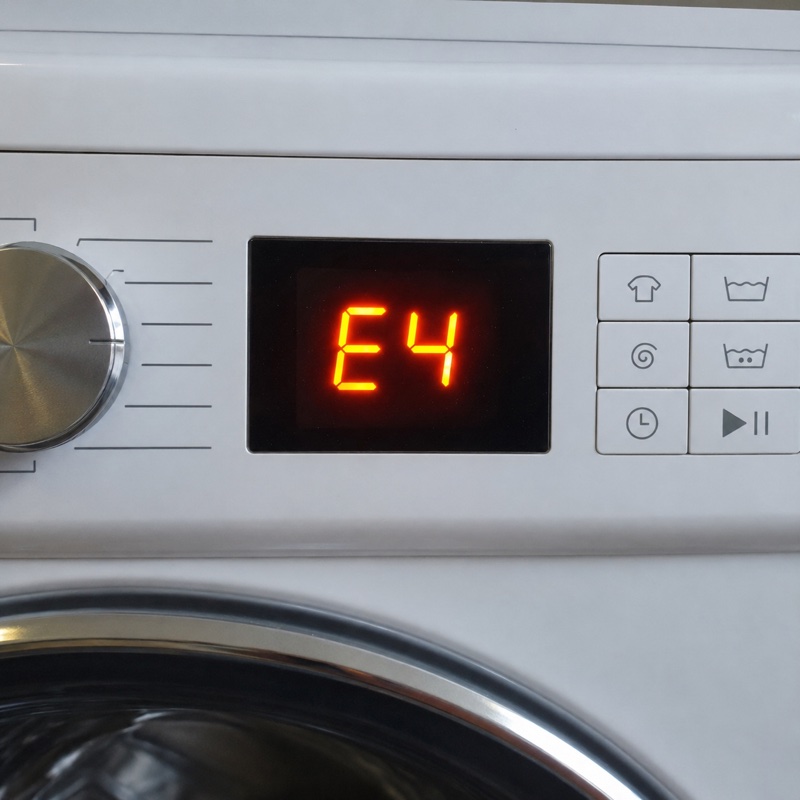
Neither of these answers could be produced with a static text or a keyword rule. They need an agent that understands the question, has access to your business information (hours, product manuals) and can interpret what the customer sends in a photo. That is the difference.
How to set up an AI-powered auto reply with Bravos AI (step by step)
1. Sign up at app.bravos-ai.com and create your first bot. Load it with your business information: website, PDFs, a product spreadsheet, or connect Shopify or PrestaShop. The AI learns on its own, no flow building, no keyword rules.
2. Activate the Starter plan ($23/month), which is where the WhatsApp channel lives. The 7-day PRO trial also lets you test WhatsApp at no cost before deciding.
3. Go to Integrations in the sidebar, open the Available tab and click the WhatsApp card. Pick the bot to wire WhatsApp to, then a Meta popup opens: sign in with Facebook, pick (or create) your Meta Business account, pick the phone number and confirm with an SMS code. Total time: about 60 seconds.
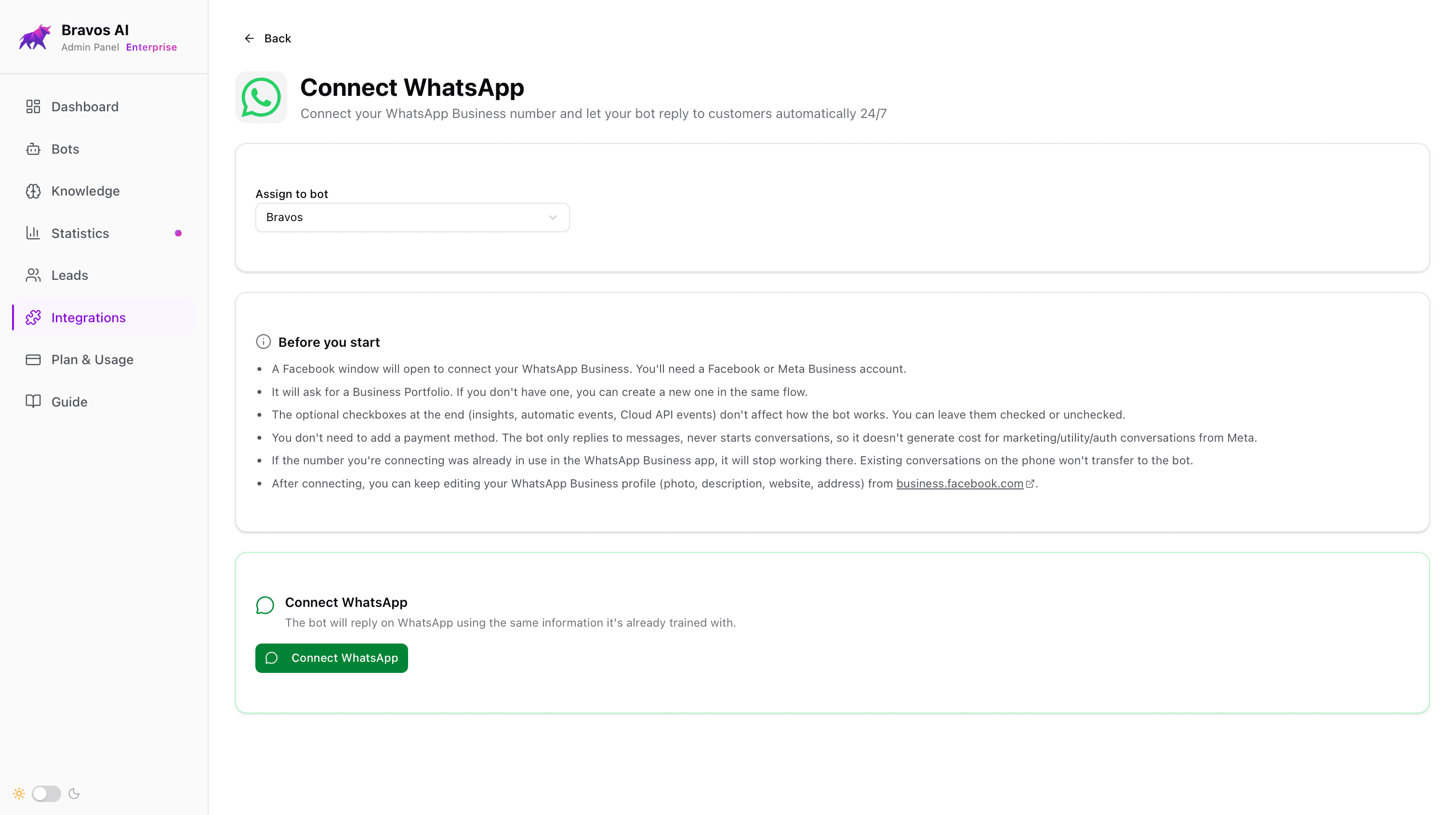
4. Done. From this point on, every message that hits your WhatsApp Business number is answered by the bot using the information you uploaded. You see every conversation from the dashboard —or, if you use Claude or ChatGPT, from the chat itself with our MCP connector—; if you ever need to handle a customer yourself, you have to disconnect the integration, which returns the number to your WhatsApp Business app on the phone so you can reply from there.
What it costs and how much time it saves
Monthly cost: $23/month for the Bravos AI Starter plan. Nothing else on top from Meta: since July 2025, replying to a customer-initiated conversation is free with no monthly cap. The bot only replies (it does not initiate conversations or send templates), so your bill does not move with volume.
Time saved (real numbers): a small business handling 100–300 WhatsApp messages a month spends 8–20 hours typing the same answers (hours, pricing, stock, returns). At a fully-loaded labor cost of $20–25/hour, that is $160 to $500 a month of staff time burned on repetitive replies. The bot pays for itself the first month and frees that time for higher-value work.
For a deeper cost breakdown across WhatsApp platforms, see our AI chatbot pricing guide for 2026.
Common pitfalls
Settling for the static away message and calling it customer service
The most common one. Setting a «Thanks, we will get back to you shortly» inside the WhatsApp Business app and pretending you are now «covered after hours». That is not customer service — it is an auto-receipt. If your customer has a concrete question and only gets a placeholder, they move on to a competitor who actually answers.
Trying to automate personal WhatsApp with unofficial apps
Apps like WhatsAuto can get your number suspended if WhatsApp detects automated bulk sending. If it is for a business, the right path is moving to WhatsApp Business (free, separate app) and, for AI replies, plugging it into a serious platform with official Meta integration.
Loading messy content and blaming the bot
Five outdated PDFs and an out-of-date website URL in, vague replies out. Thirty minutes cleaning your sources before the upload is the difference between a useful bot and one that hedges.
Not testing before going live
Before connecting the bot to your real WhatsApp Business, test it on your website for a couple of days. Ask it the five things customers ask you most. If it answers well, connect WhatsApp. If not, tweak the content and test again. Half an afternoon of testing now prevents months of mediocre replies to real customers later.
Frequently asked questions
How do I set up an auto reply on WhatsApp?
Two paths depending on what you want. For a static text (away message), install the free WhatsApp Business app, go to Business tools → Away message, write the text and pick a schedule. For a real AI reply that understands the customer and answers with your business data, sign up on an AI chatbot platform (with Bravos AI it is a 60-second popup to connect your WhatsApp Business number directly to Meta), upload your business information, and the bot replies on its own from that point.
How do I set an away message on WhatsApp?
In the WhatsApp Business app (not the regular WhatsApp): open the app, tap the three-dot menu, go to Business tools → Away message, toggle it on, write the text, pick the schedule (always sent / custom schedule / outside business hours) and pick the recipients. Important note: if your number is connected to the WhatsApp Business Cloud API (which is what AI chatbots use), the away message setting is no longer available, because the bot replaces it.
Can I auto-reply on my personal WhatsApp?
Only with unofficial third-party apps (WhatsAuto, AutoResponder, etc.) and only for static text. WhatsApp does not allow automating personal accounts, and your number can be banned if mass automated sending is detected. For business use, switch to WhatsApp Business (free, separate app) and, for AI-powered replies, plug it into a real platform. That is the only safe path.
What is the best WhatsApp auto responder?
It depends on what you need. For a static text, the WhatsApp Business app itself is fine and free. For personal WhatsApp, third-party Android apps like WhatsAuto (with the risks above). For a business that wants real AI replies, a platform with direct Meta Tech Provider integration like Bravos AI is the cleanest path: no Twilio, no tokens that expire every 60 days, and the bot answers with the actual information from your business.
What is the best auto reply message for WhatsApp Business?
If you are stuck with a static away message, two rules: be specific about when you will reply ("We reply within 4 business hours" beats "We will get back to you soon"), and point the customer to where they can get an answer right now (a link to your FAQ, your hours page, your phone number for urgent issues). The default "Thanks for reaching out" with no extra information is the least useful version because the customer leaves the chat with nothing.
Is it safe to automate WhatsApp replies?
Yes, if you do it the official way: WhatsApp Business plus a Tech Provider verified by Meta. That is what Meta itself allows. The risk of a ban only appears when you try to automate a personal account with unofficial apps, or when a provider connects you through unauthorized middlemen. With the official integration, automating your replies is not a reason for a ban.
How much does a WhatsApp auto reply cost?
The native away message in the WhatsApp Business app is free. An AI-powered auto reply starts at $23/month (Bravos AI Starter, unlimited messages). Meta does not charge for customer-initiated conversations since July 2025, so the bill stays flat at $23/month for a typical reply-only use case. Other European-market platforms start higher (mid-tier from ~$49/month, enterprise from ~$99/month per seat).
Bottom line
There are three real ways to set up an auto reply to WhatsApp in 2026, and they are not interchangeable. The static away message in the WhatsApp Business app is fine to avoid looking absent, but it is not customer service. Keyword rules work when customers always ask the same things the same way, and break the moment they do not. AI grounded on your real business data is the only one that actually answers: 24/7, in any language, with real information.
If it is for personal WhatsApp, skip the unofficial apps: the ban risk is real and the most you get is a static reply. If it is for a business, the only clean path is WhatsApp Business + a platform with direct Meta integration. Bravos AI is $23/month flat, no Twilio, no middleware, no tokens that expire, and the bot answers your customers with your actual business data.
For the technical detail behind each route (short, long and engineering), see our step-by-step guide to building a WhatsApp AI chatbot in 2026.
Sources
- Harvard Business Review — The Short Life of Online Sales Leads (Oldroyd, McElheran, Elkington) — Study of 1.25 million sales leads across 29 B2C and 13 B2B companies: contacting a customer within 1 hour makes you 7x more likely to have a meaningful conversation with a decision-maker
- Pew Research Center — Americans' Social Media Use 2025 — Survey of 5,022 US adults: 32% now use WhatsApp, up from 23% in 2021. Hispanic Americans lead adoption (56%)
- Meta — WhatsApp Business Platform documentation — Official technical reference: API, 24-hour service window, message templates, business verification, Tech Provider model
- Meta — WhatsApp Business Pricing (July 2025) — July 2025 update: replying to a customer-initiated conversation is free with no monthly cap; only business-initiated conversations are billed
Ready to let WhatsApp answer on its own?
Create your bot in Bravos AI, connect it to WhatsApp Business from the Starter plan, and let AI answer with the real information from your business.
Try PRO free for 7 days