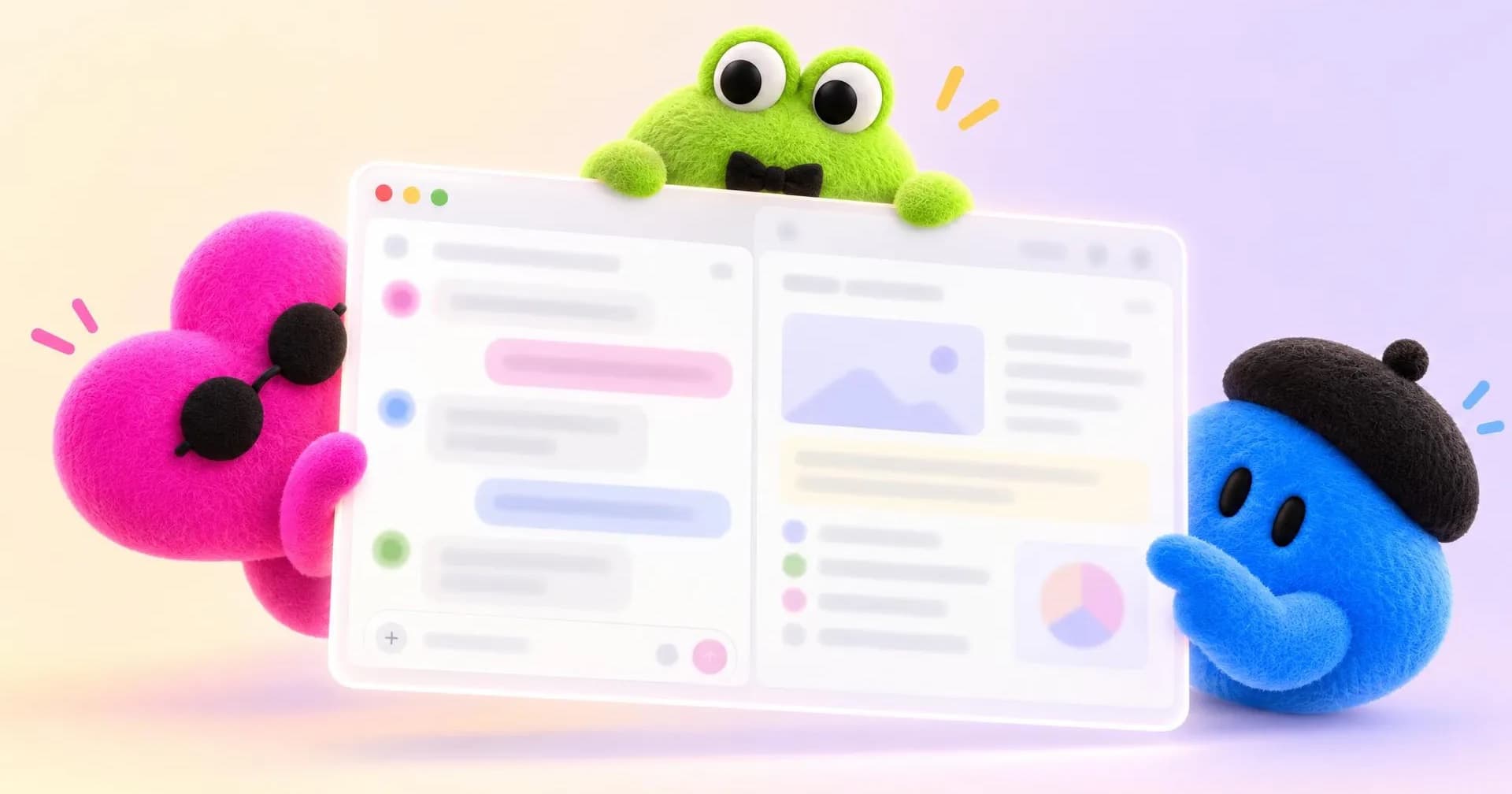
OpenAI Dots are ChatGPT agents with their own computer in the cloud. You hand your dot a job, close the window, and it carries on. OpenAI introduced dots on September 29, 2026, calling them always-on agents, with a specific promise: not to help you do tasks, but to do whole tasks for you.
The example OpenAI picked to explain them is not about code. It is an invoice. One early tester had done work for a publication and forgotten to bill them; their dot noticed, prepared the invoice and sent it once the tester approved. That is the shift in one scene: it did not answer a question, it caught a problem nobody had raised.
This guide to OpenAI Dots covers how they work, what they do today in the examples OpenAI has published, how to create and set one up, what they cannot do yet, what they cost, their availability by plan and country, and what happens to your data. Everything comes from OpenAI’s official documentation and is current as of October 12, 2026, two weeks after launch: plans, countries and limits will change, and the dated sources are at the end.
What OpenAI Dots are, and how they differ from ChatGPT
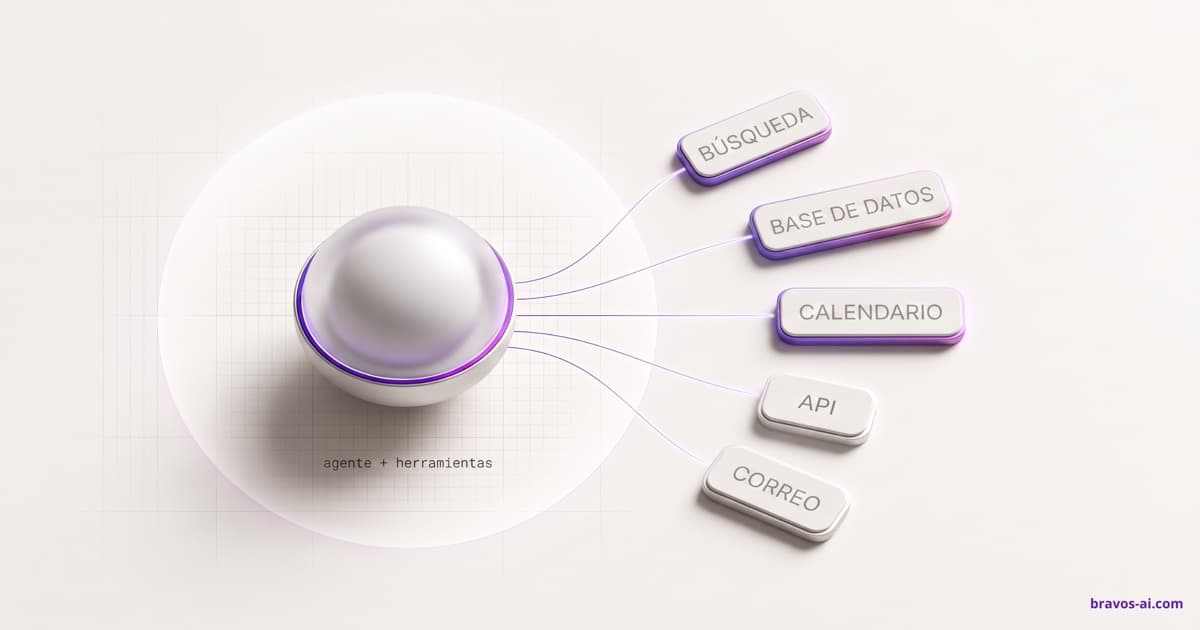
ChatGPT works while you sit in front of it. A dot works while you don’t. It has a cloud computer with its own browser, runs on the GPT-6 Astra model, and connects through plugins to the apps you authorize, more than 4,000 according to OpenAI: email, calendar, Slack, Teams, documents, Codex. Plugins play the role here that the MCP protocol plays in other assistants: giving the agent access to outside tools. That makes it an AI agent in the strict sense, and three things set it apart from any AI chat:
- It keeps going between conversations. Give it a goal and it makes progress over days. When it needs a decision from you, it writes to you, in ChatGPT, Slack or Teams, and you can call it by voice.
- It looks around on its own. When you are not talking to it, it reviews your connected apps for ways to help. OpenAI calls this proactive research, and in that mode it can only read: no sending messages, no editing anything, no driving the browser.
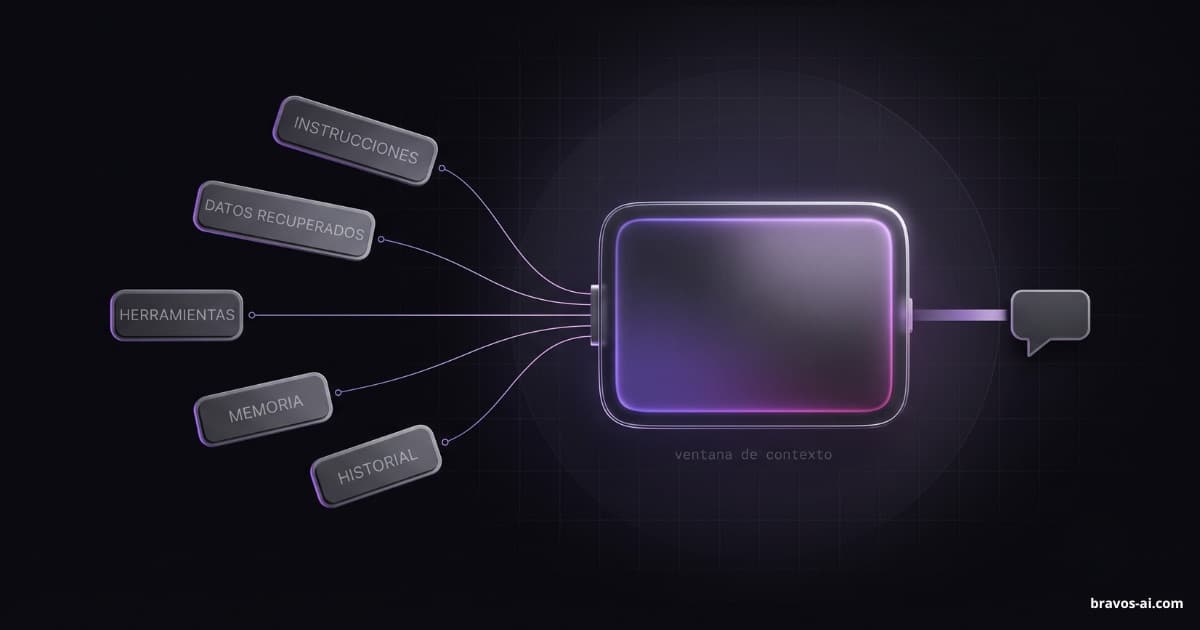
- It has a memory of its own. It starts from ChatGPT memory and adds its own notes about your preferences, your decisions and the work in progress. The longer you work together, the less you have to explain.
One detail explains the name: each dot has a name, an avatar or a pet, and a handle like @yourname-dot. OpenAI presents it as a colleague you message, not a menu item. Today it is one main dot per person; OpenAI says the next step is teams of dots working together, and that does not exist yet.

What a dot does: the examples OpenAI has published
OpenAI has described six scenarios. They say more than a feature list because they show where the dot stops and the person starts:
- The proposal that stays current. A sales lead is working a large deal. Their dot checks the customer’s requirements against the product documentation, spots what still has to be tested, builds a proof of concept for the integration and, every time the requirements change, updates the proposal and the test plan and flags what is still open. The person spends their time talking to the customer and approving.
- The investor update. A finance lead is preparing one. The dot tracks product usage and revenue, flags what changed, updates the deck and, with sign-off, shares the figures with the team and fixes the related documents so everything matches.
- The launch whose scope changes. The dot knows the audience and the positioning. When the product changes, it works out what that does to the message and leaves drafts of the corrected materials.
- Content that produces itself. An interview transcript lands; the dot picks the moments to clip, writes the notes and drafts the posts for you to approve.
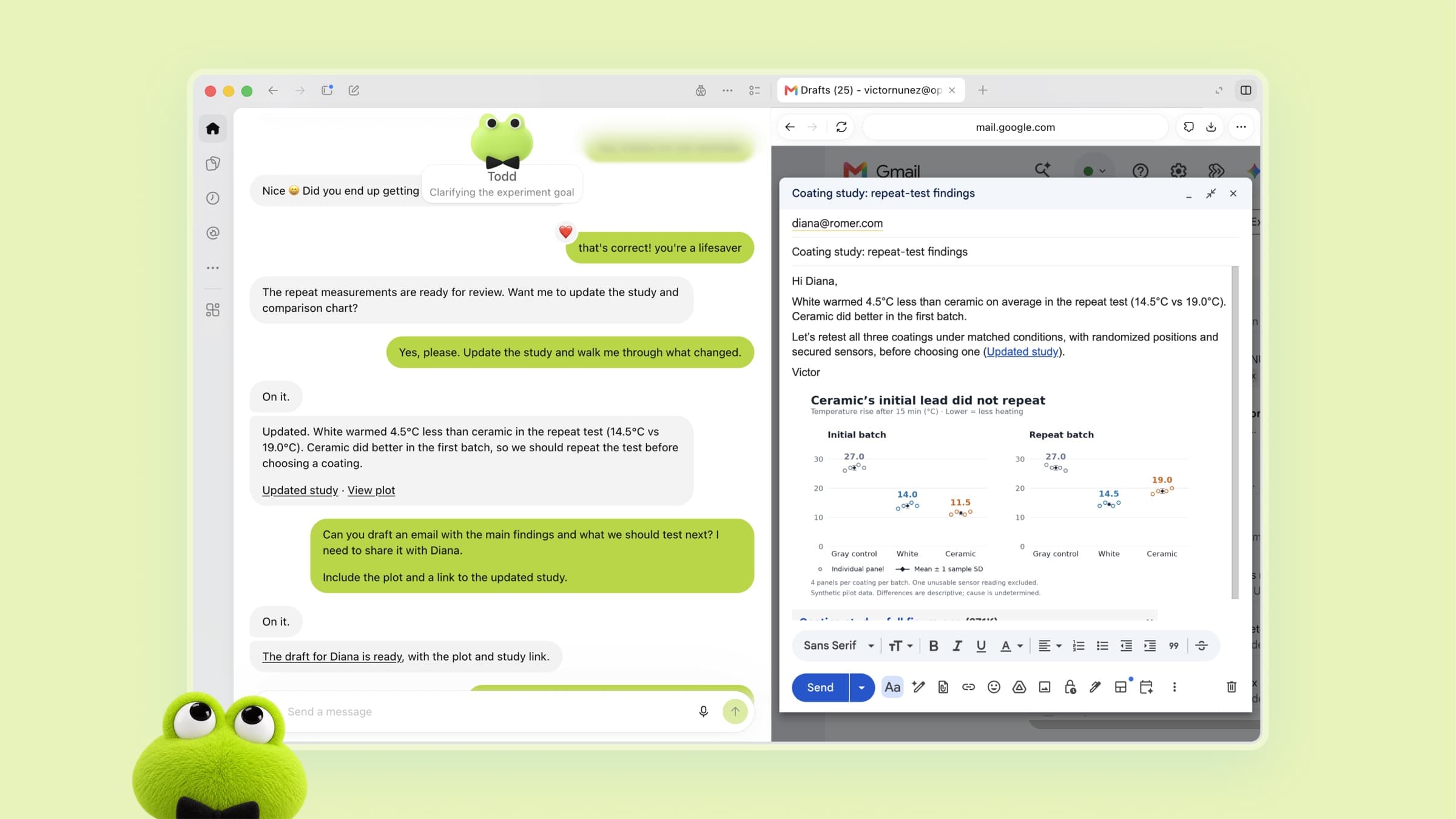
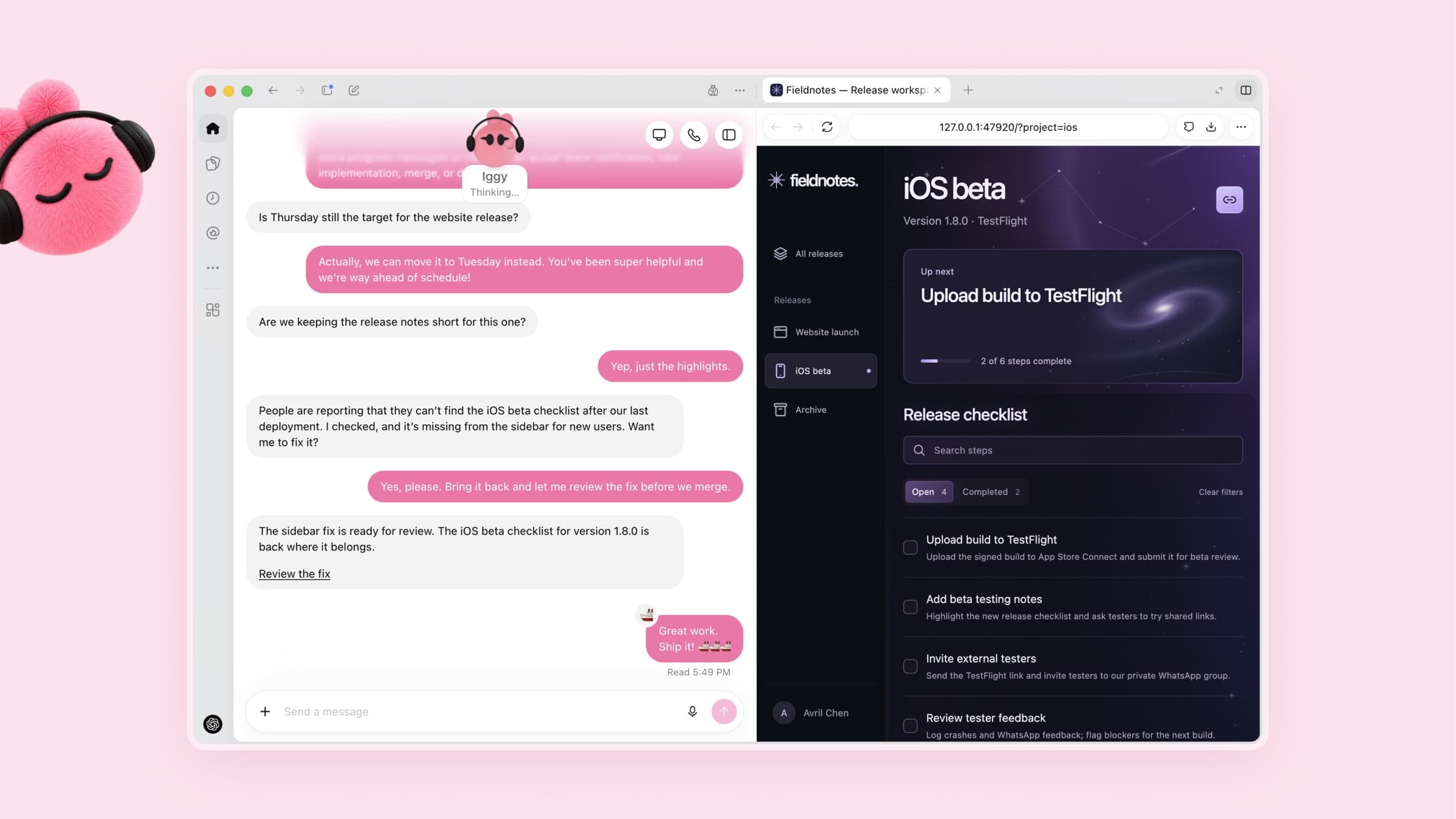
- Feedback that turns into fixes. For anyone who builds an app: the dot reads what users say, pulls out the repeated requests, codes the small improvements, tests them and hands over changes ready to review, each with a video. It is the work coding agents already do, with nobody having to kick it off.
- Analysis that redoes itself with new data. For a research team: when results come in, the dot reruns the numbers, digs into what looks off and updates the figures.
In all six, the pattern is the same: the dot prepares, the person approves. Inside OpenAI, a bug reported in Slack gets a dot investigating it on the spot, and a new design becomes a working app while the team is busy elsewhere. And one more line from the announcement points to where this is heading: they are piloting specialized dots in purchasing, invoice processing, email marketing, customer service and commercial hiring. These are closed enterprise pilots, with OpenAI engineers defining what each dot does and who reviews it; not something you can sign up for today.
How to create and set up a dot
According to the OpenAI Help Center, the process goes like this:
- Create it from a computer. In the ChatGPT desktop app (Mac or Windows) or in a desktop browser. You cannot create it on a phone; once it exists you can message it from the mobile app. The direct address is chatgpt.com/dots.
- Give it a name and a face. Its default handle is @yourname-dot; once you name it, it becomes @yourname-agentname. You pick a character or a pet, and the dot can generate one for you.
- Connect apps. From the dot’s profile (Customize, then Plugins), which uses the same app settings as ChatGPT, you review each app’s permissions before connecting it. The dot will use that information in its tasks and will also review it on its own to form memories.
- Set rules. For each kind of action you pick one of four behaviors: act without asking, act only if you explicitly asked, ask first, or hand it to you. Rules do not override the built-in safeguards.
- Decide whether it gets your computer. Access to your local computer starts switched off. You turn it on from the desktop app on that computer and can revoke it; while connected, the dot can open files and use your browser when its own is blocked from a website.
- Give it work. Describe it in the conversation, with files if needed. In its profile you see what is in progress, scheduled and completed, and you can open its computer to watch.
- Schedule tasks. A reminder or a recurring check, such as reviewing the calendar every morning. You manage them from the scheduled tasks section.
- Pause or reset. Pause stops it until you resume. Reset deletes it entirely: conversations, memories and scheduled tasks.
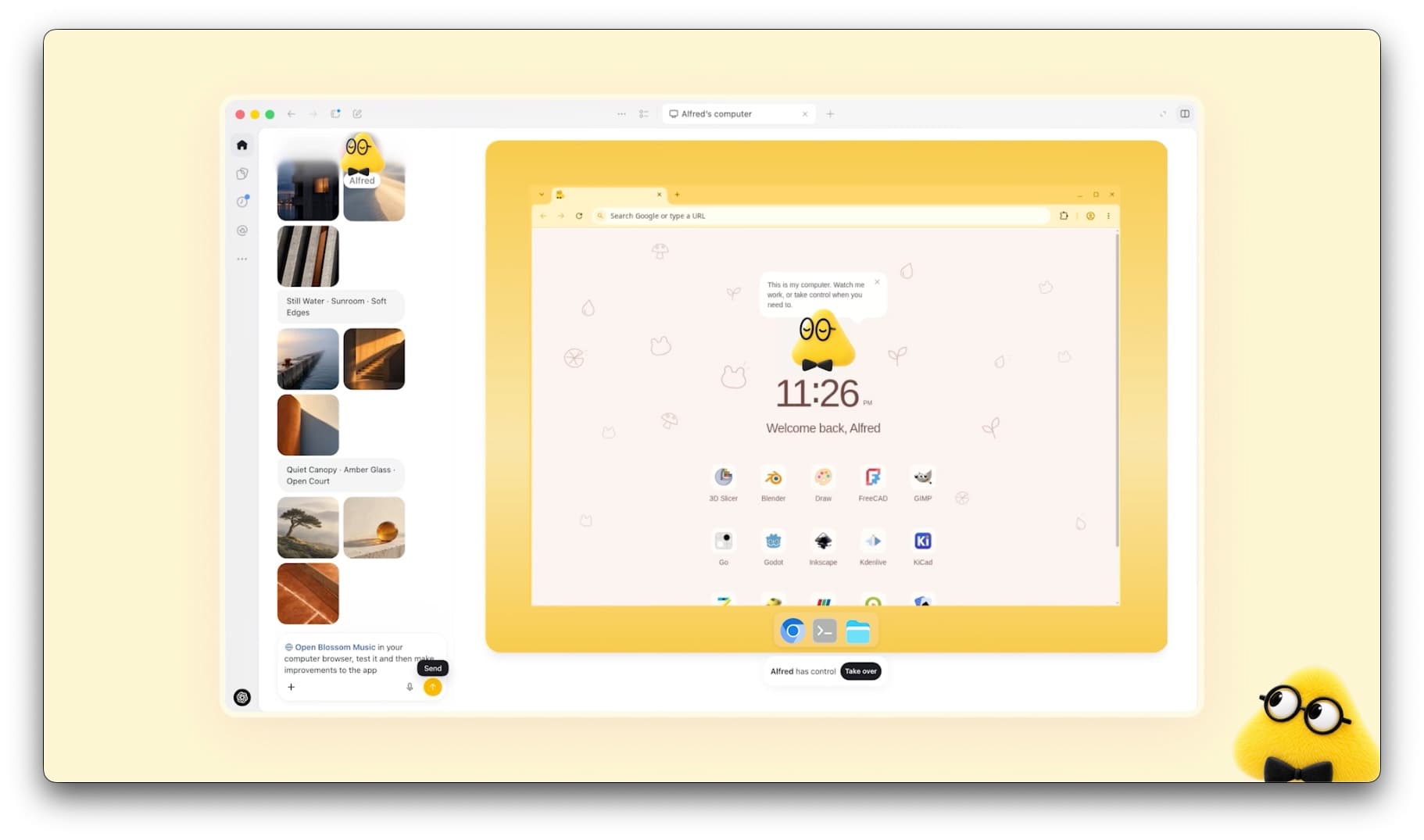
Messaging channels such as Slack or texting are set up from the desktop app. To call it, use the phone button in its conversation; it does not start calls.
What a dot cannot do yet
The launch limits OpenAI puts in writing:
- It has no email address of its own. It can use your email account for its tasks, but at launch you cannot give it a standalone address.
- It does not call you. You call it.
- It does not text outside the United States. Texting your dot is a limited beta for US Pro users, through a third-party provider, and OpenAI warns against sharing sensitive information that way.
- It cannot be created on a phone. And mobile web is not supported.
- It does not change passwords or handle certain sensitive tasks. Those always stay with you, whatever permissions you give it for everything else.
- It does not work in teams. The teams of dots the announcement mentions are a plan, not a feature.
- It is not always right. OpenAI puts it in these words: dots can make mistakes, so always review work that could have significant consequences.
What a dot costs and which plans include it
The dot is included in the plan; what you pay for is the plan. Prices as published by OpenAI in October 2026, in US dollars. Pro is billed monthly only; Business has monthly and annual pricing.
| Plan | Price | Dots | Where |
|---|---|---|---|
| Free | Free | No | — |
| Go | $8 a month | No | — |
| Plus | $20 a month | No | — |
| Pro 100 | $100 a month | Yes, one dot per person | Users 18+ outside the EEA, Switzerland and the UK |
| Pro 200 | $200 a month | Yes, one dot per person | Same as Pro 100 |
| Pro 500 | $500 a month | Yes, one dot per person | Same as Pro 100 |
| Business Standard | $25 per user a month, or $20 billed annually | No | — |
| Business Premium | $125 per user a month, or $100 billed annually | Yes, one dot per person | Every region where ChatGPT operates |
| Enterprise, Edu, Healthcare | Contact sales | Beta, off until an admin turns it on | Every region where ChatGPT operates |
What to know about those plans:
- One dot per person. You cannot have more today. OpenAI says you will later be able to add dots and scale each one’s capacity, with no date and no price.
- Talking to your dot does not use up ChatGPT limits. What does count are the tasks the dot starts in Codex or Work, against those products’ limits.
- There is an allowance for heavy work. It is included in the plan, with extended limits in the first month. OpenAI does not publish how much it is.
- Access is gradual. It can take days to show up on the account even after you pay.
Availability in Europe and the UK
On a personal plan there are no dots in Europe: Pro excludes the whole European Economic Area, Switzerland and the UK, and OpenAI’s documentation gives no reason. The route is Business Premium, which works in every region where ChatGPT is available. A Business workspace needs at least two users and lets you mix seats, so the minimum ticket is one Premium and one Standard: $150 a month billed monthly, $120 billed annually. That gets one person a dot; two people means two Premium seats. On Enterprise, including education and healthcare plans, an admin has to turn the beta on, since it is off by default.
What data a dot sees, and what it keeps
A dot is useful in proportion to what you connect, which makes it worth looking at what it does with it. What OpenAI has published:
- It forms memories without being asked. It reviews connected apps on its own and saves notes from them. That is what makes it useful, and what to know before you connect your inbox.
- Disconnecting does not erase. Remove an app and what the dot already learned from it stays. To get rid of it you delete the whole dot, with its conversations, its notes and its scheduled tasks.
- Training depends on the plan. On Business, Enterprise and Edu, OpenAI does not use those conversations to train its models. On personal plans it depends on your “improve the model” setting. The dot’s internal notes and background research are not used directly, but can end up in a conversation that is.
- Your own computer stays out unless you connect it. The dot works on its cloud machine, separate from yours.
- Saved passwords without seeing them. To sign in to supported websites it can use stored passwords without exposing them to the model.
Above your rules sit two more layers. An automatic review checks any action that touches your accounts or shares information before it happens, and decides what proceeds, what needs approval and what is yours to do. And a monitoring system watches the dot’s behavior and can pause or stop it if it spots a problem. On the same September 29, OpenAI added a dots appendix to the GPT-6 Astra system card, with the prompt-injection testing and the limits they acknowledge themselves.
What it is good for today, and what it is not
Put the examples and the limits together and the dot earns its keep on work that fits “prepare this and show me”: documents that have to stay current, tracking changes, drafts, analyses that repeat, small code with tests. It does less where the work is talking to people, deciding, or doing something irreversible, because there the design itself holds it back so you can approve. And it carries a cost that is not in the price table: the time you spend reviewing what it hands you. For work you already reviewed, that is time recovered; for work you did yourself with nobody checking, it is new time. The line between this and a chatbot that answers questions is covered in AI agent or chatbot.
The open-source alternative: OpenDots
On the day of the announcement, OpenDots appeared: an open-source template from CopilotKit for building the same kind of persistent agent with its own computer, reachable by chat, by call and in Slack. MIT license, around 5,000 GitHub stars by mid-October, and in alpha: a starting point for a technical team, not a product. It works with any model provider compatible with the OpenAI API, so it does not tie you to GPT-6, and you run it on your own infrastructure, though it depends on CopilotKit’s Intelligence service, hosted or in a local version. That changes the data question and, along the way, the Europe one.
Frequently asked questions
What are OpenAI Dots?
OpenAI Dots are ChatGPT agents with their own cloud computer that keep working after you close the conversation. You give your dot a goal, connect your apps, and it researches, prepares documents, writes code or tracks what changes, and messages you when it needs a decision. They run on GPT-6 Astra and OpenAI introduced them on September 29, 2026.
Who can use OpenAI Dots?
OpenAI Dots are available to Pro subscribers (the $100, $200 and $500 tiers) aged 18 or over outside the European Economic Area, Switzerland and the UK; to Business Premium seats in every region where ChatGPT operates; and to Enterprise workspaces once an admin turns the beta on. Access is rolling out gradually, so it can take days to show up.
How much does an OpenAI dot cost?
An OpenAI dot is included in the plan, one per person: Pro costs $100, $200 or $500 a month depending on the tier, and a Business Premium seat is $125 per user per month, or $100 billed annually. Conversations with your dot do not count against ChatGPT usage limits. The plan includes an allowance for heavier work whose size OpenAI has not published, and today you cannot add more dots, nor do they have a price.
Can an OpenAI dot use my computer?
An OpenAI dot only uses your computer if you allow it. It works on its own cloud computer and access to yours starts switched off. You turn it on from the ChatGPT desktop app on that computer and can revoke it at any time; while connected, the dot can open files and use your browser when its own is blocked from a website.
Does an OpenAI dot work when my computer is off?
Yes, an OpenAI dot works on its own cloud computer, so it does not depend on yours. The exception is tasks you asked it to do on your local computer: for those, your machine has to be on with the ChatGPT app open.
What data does an OpenAI dot see, and what happens to it?
An OpenAI dot sees what you connect: email, calendar, Slack, documents and any app you authorize, and it forms memories from them even when you have not asked. Disconnecting an app does not erase what it already learned; only deleting the dot does. On Business and Enterprise, OpenAI does not use those conversations to train its models; on personal plans it depends on your settings.
Do you have to pay to use OpenAI Dots?
Yes, OpenAI Dots only come with a Pro plan or a Business Premium seat, and on Enterprise once an admin turns them on. Access opens gradually, so it can take days to appear on your account.
Sources
- OpenAI, “Introducing dots” (September 29, 2026): openai.com . What they are, examples, plans, safeguards and specialized dots.
- OpenAI Help Center, “Getting started with your dot” (accessed October 12, 2026): help.openai.com . Regions, plans, setup, rules, memory, texting, what a reset deletes.
- ChatGPT dots product page: chatgpt.com . The investor-update example.
- OpenAI Help Center, “About ChatGPT Pro tiers” (updated October 2026): help.openai.com . Pro 100, 200 and 500 pricing.
- OpenAI, “Premium seats are coming to ChatGPT Business” (August 10, 2026): openai.com . Business Standard and Premium pricing.
- GPT-6 Astra system card, change log: deploymentsafety.openai.com . Dots appendix added September 29, 2026.
- OpenDots on GitHub: github.com/CopilotKit/OpenDots . Open-source template, MIT license.
A dot works for you. Who answers your customers?
Bravos AI replies to the people who write to you on your website or WhatsApp, from your catalog and your policies, in 15 languages, and brings in a person when needed. Try PRO free for 7 days, no card.
Try PRO free for 7 days