DeepSeek Harness is DeepSeek’s open-source coding agent: the software layer that wraps an AI model and turns it into an assistant that can read your files, run commands and keep working through long tasks on its own. It launched on August 13, 2026, is free (MIT license), and passed 177,000 GitHub stars in a single week. What sets it apart isn’t the model — it’s the architecture: literally everything (the model, the tools, the interface, even the agent loop) is a plugin you can swap.
This guide explains what DeepSeek Harness is with real detail, not slogans: what “everything is a plugin” actually means (with concrete examples of what the community has already built), how plugins install, its modes, how it compares to Claude Code and Codex, the security risk almost nobody mentions, and how to get started. Sources at the bottom.
What is a coding-agent “harness”
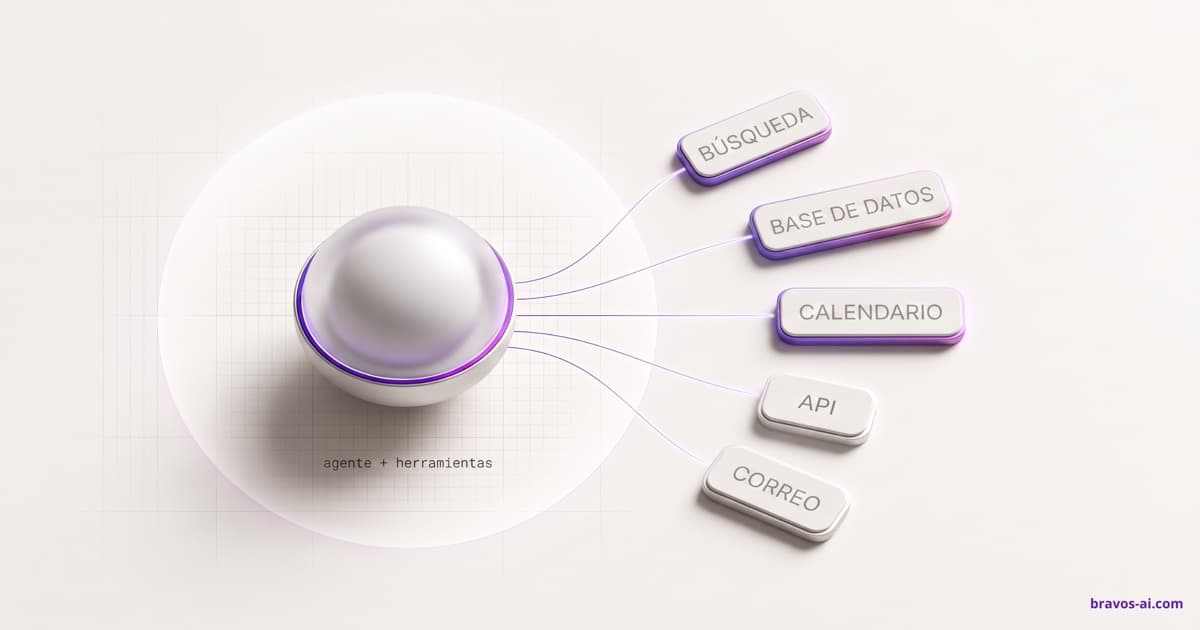
An AI model like DeepSeek, GPT or Claude, on its own, only writes text. For it to actually code — open your files, run the terminal, search the project and keep going until the job is done — it needs a layer of software around it that gives it those hands. That layer is the harness. Claude Code, Codex and Cursor are harnesses. The model is the brain; the harness is the body.
A coding agent is, at heart, a type of AI agent specialized in programming: it doesn’t just answer, it plans steps, uses tools and acts until the goal is met. And here’s why the harness matters so much: the same model performs differently depending on the harness it runs through. The harness decides what the model sees, which tools it has and how much each task costs. That’s why it has become the battleground where AI companies now compete.
What is DeepSeek Harness
DeepSeek Harness (short: dsh) is an open-source coding agent, MIT-licensed, that runs both as a web app and headless (no interface, for automation). Instead of shipping a closed tool with a fixed set of features — like Claude Code or Codex — DeepSeek built the whole harness out of interchangeable pieces, on top of a framework called Cordis designed for exactly that: mounting and unmounting components on the fly.
“Everything is a plugin”: what it really means
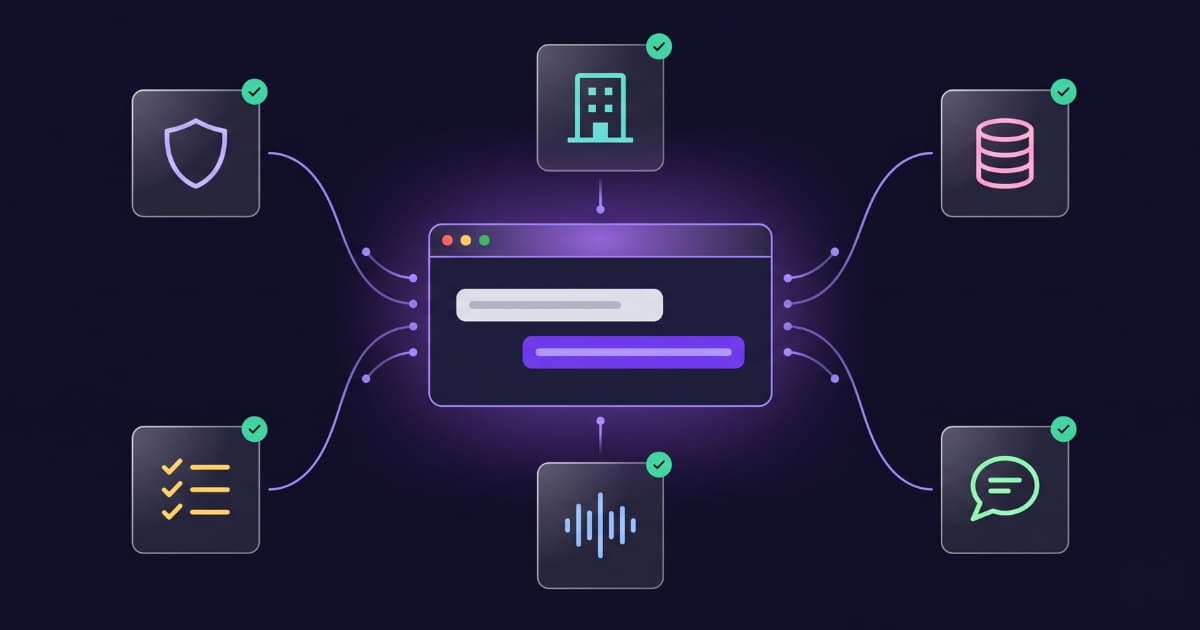
This is the heart of DeepSeek Harness, and it’s worth explaining properly because it’s the whole point. Normally a tool like Claude Code is monolithic: it comes with its model, its interface and its way of doing things, and if you don’t like something, tough. DeepSeek Harness is the opposite: every part of the program is a piece you can remove, swap or replace from configuration, without touching the core code.
“Every part” is literal. The things that are welded shut in other tools are plugins here:
- The model: it uses DeepSeek by default, but you can wire in another provider by swapping a plugin.
- Tools and skills: browser control, voice, vision, code review, Git integration… all added as plugins.
- Memory and sessions: how it remembers and where it stores history is swappable too.
- The interface and the look: from the visual theme to the web UI itself.
- The agent loop: even the logic of how the agent thinks-acts-repeats is a plugin.
It’s the same idea behind standards like MCP — plugging new capabilities into an agent — only DeepSeek Harness takes it to the extreme: even its own skeleton is replaceable.
“The model is the soul; the harness is what turns it into an agent acting in a real environment: it manages environment interaction, tool use and long-running execution.”
— DeepSeek — Harness (official docs)
Real examples: what the community already built
The best way to grasp “everything is a plugin” is to see what people have already made. In its first week alive, the community shipped hundreds of plugins. Technically, a plugin is a package that declares a dsh.bundle manifest and installs with one command:
dsh plugin add <plugin-name>A sample of the serious stuff you can already bolt on, to show the range:
- Switch models or watch your API spend:
dsh-model-picker,dsh-balance. - A real terminal inside the UI (with
xterm.js):terminal. - A VS Code-style file explorer with a Monaco editor:
dsh-file. - Manage MCP servers from settings:
dsh-plugin-setting-mcp. - Search GitHub issues and pull requests without leaving the chat:
dsh-github-picker. - A keyboard command palette:
dsh-spotlight. A pomodoro timer:dsh-pomodoro.
And a sample of the absurd, which is exactly what proves everything is a plugin: a desktop pet (dsh-desk-pet), a pixel whale that taps the glass and blinks the tab title when the agent is waiting for your approval (whale-on-desk), or a TikTok-style video feed in a floating window (dsh-plugin-video-player). If that can be built as a plugin, anything can.
And since adding plugins by hand is clunky, there’s already a plugin market inside the program itself (dsh-market): a searchable screen with one-click install and theme switching. All of this in the first week — a sign of how fast the community moved.
The four modes
DeepSeek Harness ships with four out-of-the-box configurations, each for a different job:
- Standard: the full coding agent — file editing, terminal, search, skills. The everyday setup.
- Code: the above plus a TypeScript SDK to orchestrate multi-step tasks in code.
- Minimal: a two-tool agent (bash + editor), built for clean benchmarking.
- Creator: for building your own plugins by chatting — you describe what you want the agent to be able to do, it asks questions and builds the plugin for you.
Full transparency: the trajectory log
DeepSeek Harness keeps a complete, ordered record of everything the model sees: system prompts, its reasoning, every tool call and result, and every bit of context injected. You can inspect it, pause it, fork it and replay it step by step.
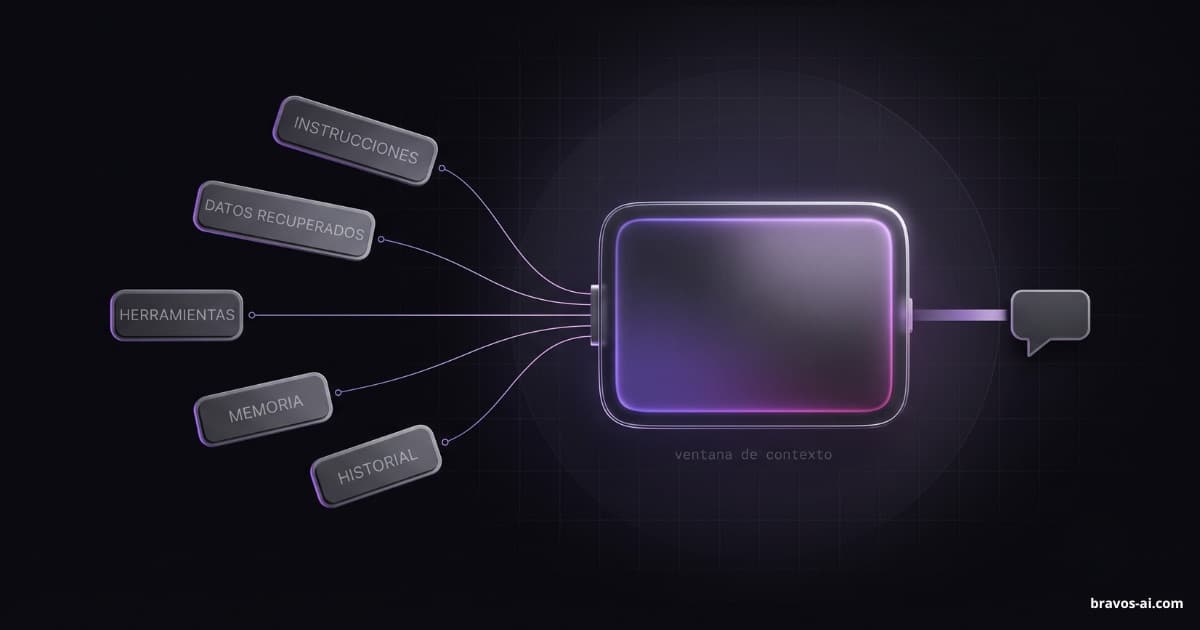
And here’s the juicy bit: Anthropic and OpenAI deliberately hide that raw reasoning — out of fear it’ll be used to copy (distill) their models. DeepSeek does the opposite and shows all of it. For anyone who wants to understand why the agent did what it did — or tune its behavior by editing the system prompt — that’s a huge difference. All that instruction text steering the agent is exactly what context engineering works on.
The risk the hype skips
Everything being a community plugin has a B-side almost no article mentions, and it matters: installing a plugin runs third-party code on your machine, with your own permissions. That plugin can read your files, use your credentials and reach the network.
DeepSeek Harness vs Claude Code and Codex
The comparison is unavoidable — plenty of people search straight for a Claude Code alternative or a Codex alternative — so here’s the honest version:
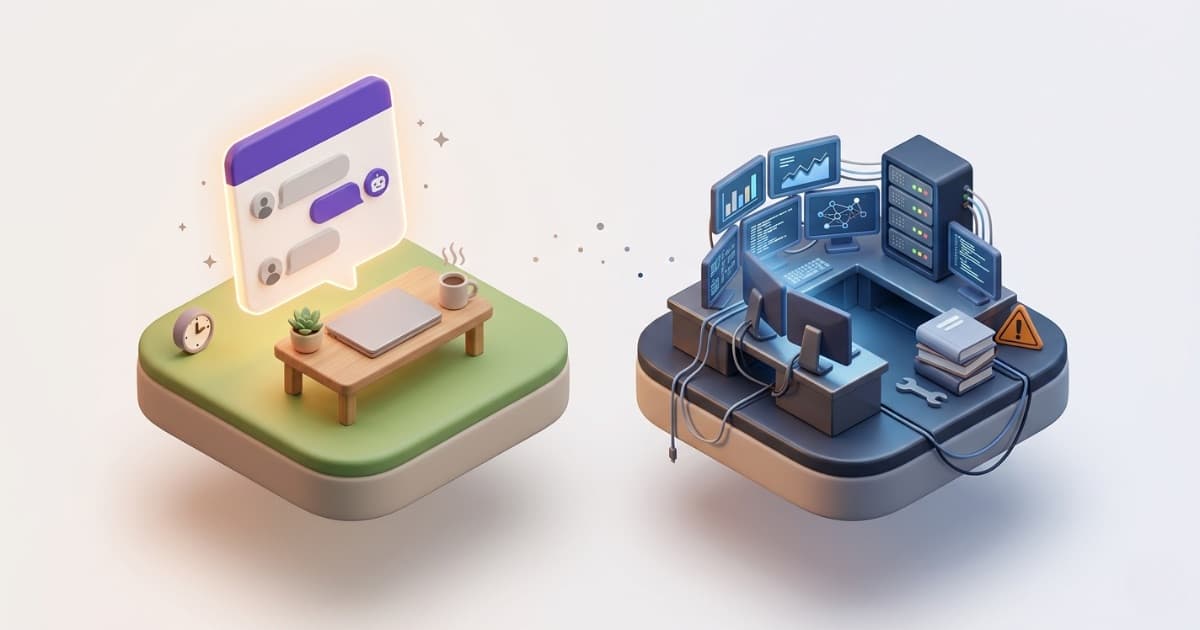
Put plainly: DeepSeek Harness is more open and powerful for anyone who wants to customize everything, but for that same reason it’s more developer-oriented than something you just want to work untouched. As a measure of how much harness design matters: Claude Code’s system prompt once ran to roughly 10,000 tokens (recently trimmed by 80%), while other harnesses run on barely 200. Those choices change performance and cost even when the underlying model is the same.
How to install and get started
Getting started is straightforward. You need Node.js, and one command launches the web UI (by default at http://127.0.0.1:3080):
npx @deepseek-ai/dsh webYou can also clone the repo and run it from source with pnpm:
git clone https://github.com/deepseek-ai/deepseek-harness.git
cd deepseek-harness
pnpm install
pnpm run build
pnpm dsh web
Since it’s free and open source, there’s no license to pay to try it; what can cost money is the model you connect over an API, depending on the provider.
Why it blew up
Three reasons explain 177,000 stars in a week. One: the harness has become AI’s new battleground — models look more and more alike, so the difference is made by the layer that wraps them. Two: “everything is a plugin” thrilled developers, and within days a whole ecosystem appeared — hundreds of plugins, a market, community lists, desktop clients. Three: being free, open and from DeepSeek gives it obvious appeal against the closed tools from the big players.
It’s not the first open-source AI project to blow up out of nowhere. We recently explained PixelRAG, another case of a technical idea going viral in days. It’s the 2026 pattern: when something suddenly opens a new way of doing things, the community piles in.
FAQ
What is DeepSeek Harness?
DeepSeek Harness is DeepSeek’s open-source coding agent: a software layer (a “harness”) that wraps an AI model and turns it into an assistant that can read files, run commands and work on its own through long tasks. Its distinctive trait is that everything is a swappable plugin: the model, the tools, the interface, memory and even the agent loop. It launched on August 13, 2026 under an MIT license.
What does “everything is a plugin” mean in DeepSeek Harness?
That every part of the system is a piece you can change, remove or replace from configuration without touching the core code: the model, the tools, memory, sessions, the interface, the theme and even the agent loop. Plugins install with dsh plugin add, and there’s even a market inside the program itself. Under the hood it’s made possible by a framework called Cordis.
Is DeepSeek Harness free?
Yes, it’s free and open source under an MIT license: there’s no license to pay to install or use it. What can cost money is the model you connect over an API, depending on the provider you choose.
Is DeepSeek Harness a Claude Code or Codex alternative?
Yes, it does the same job (turning a model into a coding agent) but with a different philosophy: instead of a closed, ready-to-use tool, it’s a platform where everything is a modifiable plugin. It’s more open and customizable, but also more geared to developers who want to tinker.
Is it safe to install DeepSeek Harness plugins?
With care. Installing a plugin runs third-party code on your machine with your permissions: it can read your files and use your credentials, and the agent’s tool approvals do not sandbox that code. Review the source before installing plugins you don’t know, and test them in an environment without sensitive data.
Sources
- DeepSeek — Harness (official docs): deepseek.com — what it is, the plugin architecture, modes, install and the trajectory log.
- DeepSeek Harness on GitHub: github.com/deepseek-ai — source code, MIT license, install (npm and from source with pnpm) and the developer-preview notice.
- Awesome DSH Plugin (community list): github.com/awesome-dsh-plugin — plugin categories and real examples, install with
dsh plugin add, and the security warning about third-party code. - The Register — on DeepSeek’s harness: theregister.com — why the harness is the new battleground, and comparison with Claude Code, Codex and others.