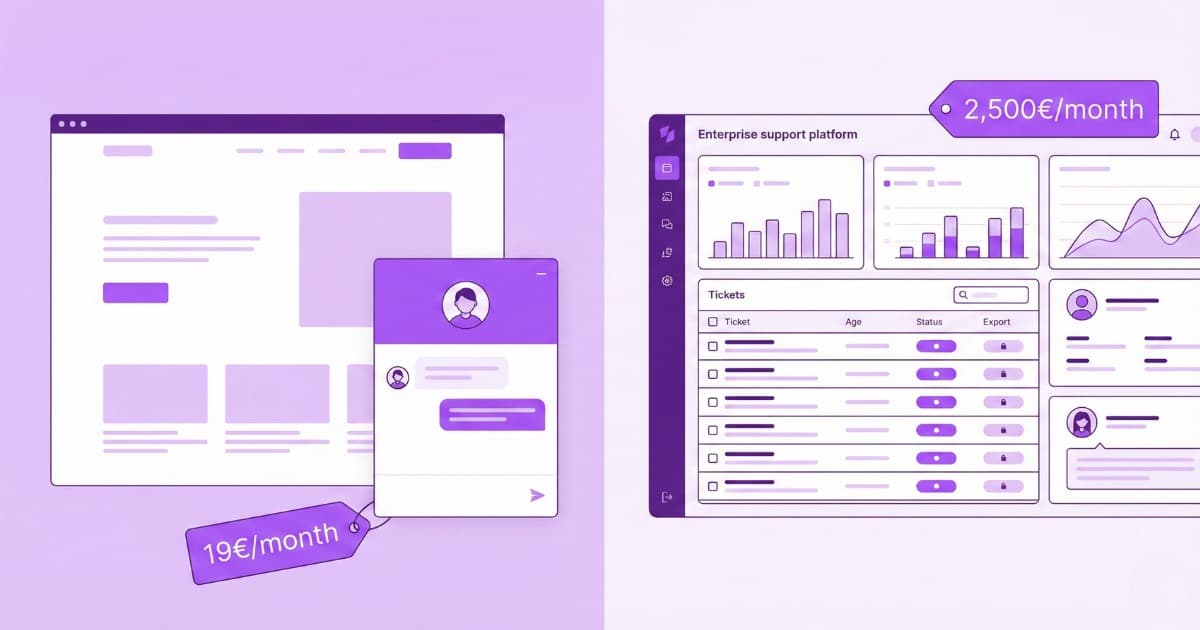
An AI customer service chatbot is a bot on your website or WhatsApp that answers customer questions in plain language, using your own business information — not generic internet knowledge. In 2026 it’s no longer an enterprise-only tool: a small business can have one running from €19/month, with no technical team, in less than an afternoon.
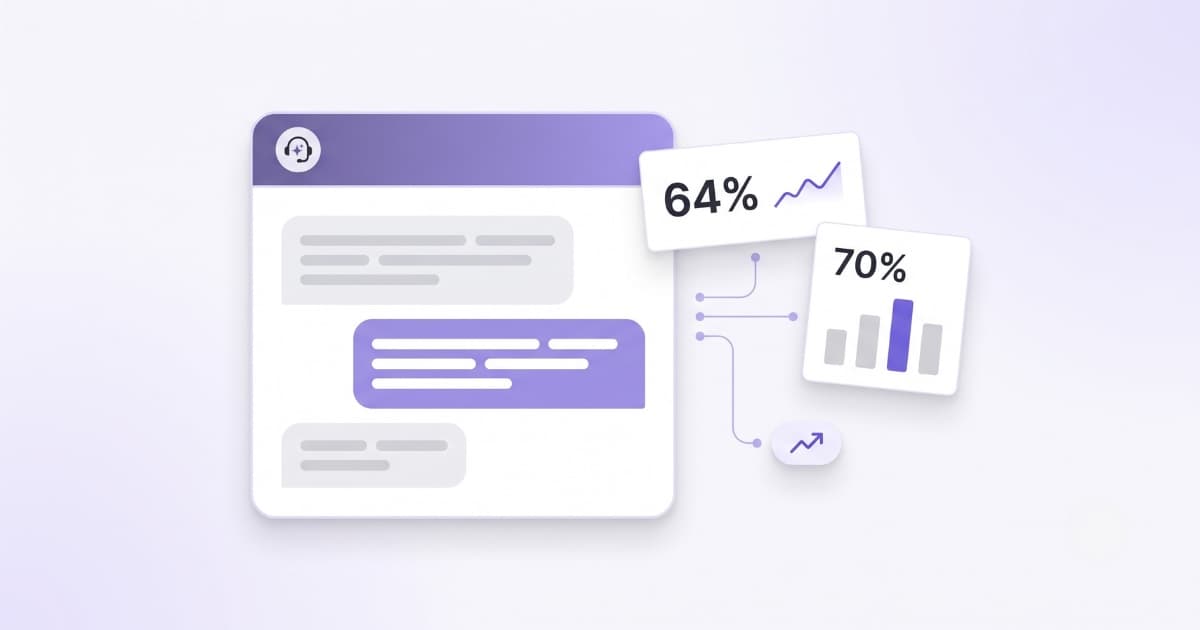
And it’s gone mainstream fast. According to Salesforce’s State of Service 2026, the share of customer service teams using AI agents jumped from 39 % to 66 % in a single year — two in three now run at least one. There’s a good reason: IBM estimates up to 80 % of support queries are routine — questions that already have an answer somewhere in your docs, website, or past emails, yet most small businesses still answer them by hand, one by one.
This isn’t a piece about “AI revolutionizing your business.” It’s a practical guide to what a customer service chatbot actually does, how it works, what it really costs, when it’s worth it (and when it isn’t), and the fastest way to get one live.
Why customer service is the first place to automate with AI
The smartest place to start with AI isn’t your marketing or your sales campaigns — it’s customer service. It’s the area with the most repetitive, predictable tasks in any business, which makes it the ideal place to get measurable results from day one. And because many of those questions come from people deciding whether to buy, resolving them fast doesn’t just save time — it recovers sales you’d otherwise lose.
Your team answers the same 10–15 questions over and over. What are your opening hours? Do I need an appointment, or can I just walk in? What documents do I need to apply? Do you ship internationally, and is this in stock? Where’s my order — or my case? Each answer takes 2 to 5 minutes — whether you run a shop, a law firm, a public office or an information site. Multiply that by dozens of queries a day.
But the real problem isn’t the time cost — it’s what you lose by not responding fast enough. A study by MIT found that responding within 5 minutes makes you 21 times more likely to convert a lead into a customer. After 30 minutes, that probability drops by 95 %.
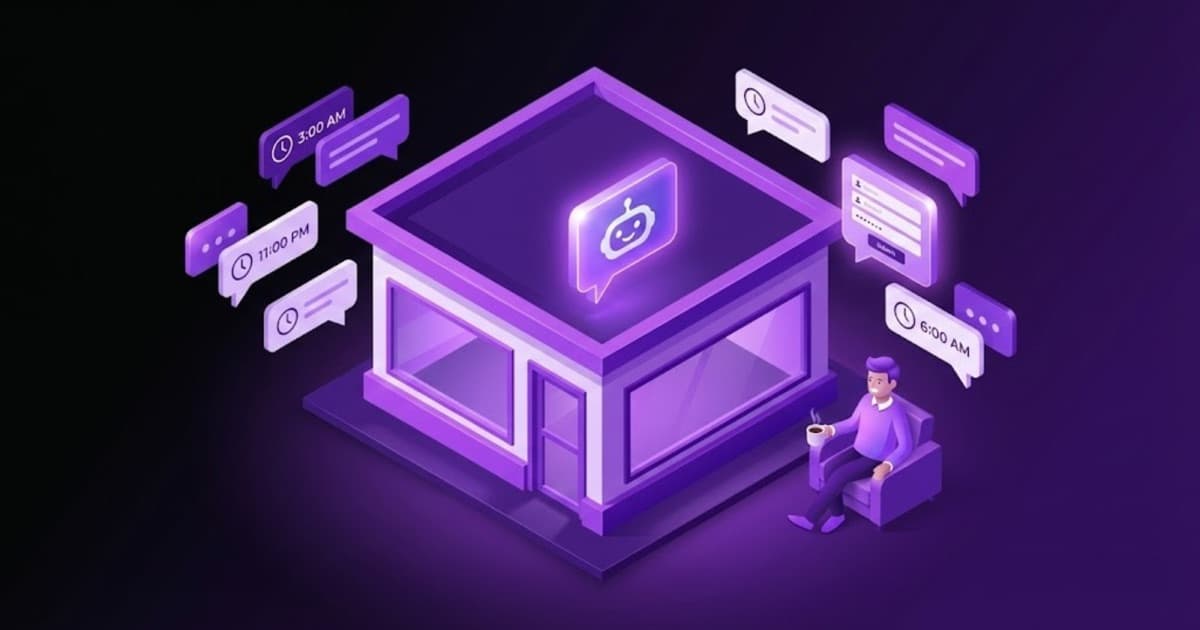
Most small businesses don’t have 24/7 staff. But their customers expect answers outside business hours — especially if they landed on the website through an ad campaign that’s still running at midnight.
How an AI customer service chatbot actually works
There are several ways to apply AI to customer service: automatic ticket classification, suggested replies for agents, intelligent knowledge bases. But all of those require enterprise tools like Zendesk or Intercom, multi-agent support teams, and budgets starting at hundreds of dollars per month.
For a small business that wants to start today, the most direct path is an AI chatbot for customer service on your website. And we’re not talking about the chatbots from five years ago — the ones that only worked if the customer clicked the right button and navigated a rigid menu of options.
Modern AI chatbots use large language models and understand what the customer types in their own words, as if they were talking to a person. The customer doesn’t have to adapt to the chatbot — the chatbot adapts to them. They can ask with typos, mix topics in the same message, or phrase the same question ten different ways. The chatbot understands the intent and responds with real information from your business. It doesn’t make things up.
In practice: you upload your content (FAQ, policies, opening hours, product catalogue), paste one line of code on your website, and the chatbot starts answering queries 24/7. No coding. You can have it running in under an hour.
If a customer asks “Do you ship to Scotland?” at 2 AM, the chatbot searches your shipping information and responds with real data. If they ask something that isn’t in your data, it says so instead of making up an answer. And if the query is complex, it can hand the customer off to your team or a direct contact channel.
What it looks like in practice
Picture an online furniture store. It’s 11 PM, the shop is closed, and a customer lands on the site after seeing an Instagram ad:
For a room that size, our models up to 280 cm would work well. In grey or beige you have two options:
– Nordic — charcoal grey, €899
– Milano — sand beige, €1,290
Delivery is free on both (orders over €500). Estimated delivery: 5–7 business days.
Want to see the product pages?
Yes, we offer 3, 6 or 12-month interest-free financing on orders over €600. The Nordic qualifies.
Here’s the product page:
– Nordic Corner Sofa — charcoal grey (€899)
That entire conversation happened without anyone on the team being online. The chatbot filtered by size, colour and availability, answered questions about delivery and financing, and offered a direct link to the product. A potential customer who would have left the site without an answer now has the information they need to buy.
What AI still can’t do in customer service
Knowing what doesn’t work is just as important as knowing what does. Especially because there are plenty of companies selling “AI agents” that promise things the technology can’t reliably deliver yet.
- Fully autonomous agents that do everything: Gartner predicts that 40 % of agentic AI projects will be cancelled before 2027. The idea of an agent that processes returns, modifies orders and handles complaints without supervision sounds great in a demo, but in production it creates more problems than it solves. Even OpenAI is cautious here: its OpenAI Dots for customer service are closed pilots where a person approves what the dot prepares. We have a detailed comparison of AI agents vs chatbots.
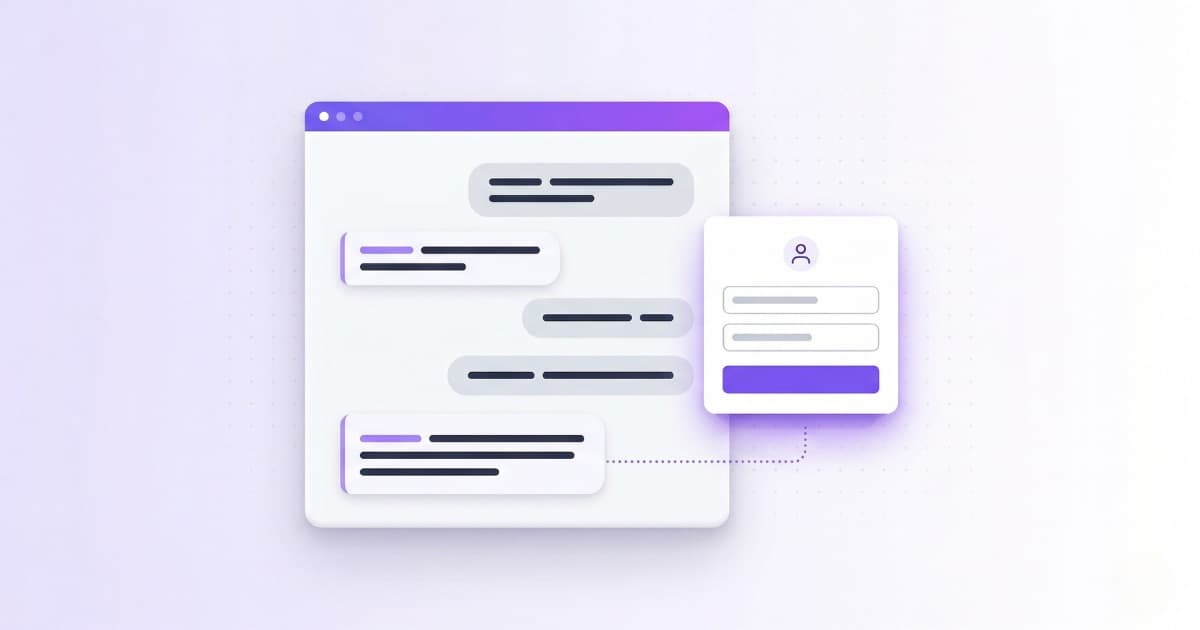
- Fully replacing your support team: AI handles routine queries well. Complex complaints, frustrated customers, nuanced negotiations — those still need people. The model that works is hybrid: AI absorbs the volume, humans handle what matters — the same idea behind live chat for customer service done right: the bot answers the bulk and a person steps in when it counts.
- AI that improvises when it doesn’t know: The biggest risk of a poorly configured chatbot is that it invents answers. If a customer asks something outside your data, the chatbot should say “I don’t have that information” — not fabricate a plausible-sounding response. This is called hallucination, and it’s a well-documented problem.
How much does it cost to automate customer service with AI?
Prices vary by tool, volume and approach. If your goal is to start automating responses on your website, an AI chatbot is the fastest and most affordable path. Here’s how the most common options compare:
| Tool | From (with AI) | Pricing model | AI included |
|---|---|---|---|
| Zendesk Suite | ~$105/agent/mo | Per agent + paid AI add-on | No (paid separately) |
| Intercom | $39/mo + $0.99/resolution | Per seat + per AI resolution | No (Fin AI separate) |
| Tidio | ~$68/mo | Plan + paid AI (Lyro) | No (Lyro separate, from 50 conv.) |
| Bravos AI | 7-day free trial · €19 (Starter) / €49 (PRO) | Flat rate, no per-resolution fees | Yes, included in all plans |
Zendesk charges $55/agent/month for Suite Team, plus around $50/agent/month to enable AI. It’s a full helpdesk platform — powerful but built for multi-agent support teams. Intercom charges $0.99 per AI resolution (Fin), with a minimum of 50 resolutions per month. It can work out well or get very expensive depending on your volume. Tidio starts at $29/month, but AI (Lyro) costs an additional $39/month and only includes 50 conversations — extra ones cost more.
For a deeper dive into chatbot pricing and billing models, we have a detailed pricing comparison.
How to get started with AI customer service (step by step)
If you’ve never used AI in your business, the worst decision is trying to automate everything at once. Start with the simplest thing that has the most immediate return: an AI chatbot for customer service on your website that answers the questions your team is already answering manually.
Here’s a real example. A dental practice receives around 40 calls a day. More than half are people asking about opening hours, cleaning prices, which insurance plans are accepted, or how to get there. The receptionist spends half the day answering the same questions while the waiting room fills up. With a chatbot trained on that information, those queries resolve themselves. The receptionist focuses on the patients in front of them. We cover this exact scenario in our dental clinic chatbot guide. And the same goes for other sectors with lots of repetitive inquiries, like a law firm chatbot.
- Identify your 10 most common questions. Review them: how many have a fixed answer? Those are the ones you automate first. In the dental practice example: hours, prices, accepted insurance, address, parking, what to do in an emergency.
- Choose a tool that doesn’t require coding. If you have a technical team, you might consider Zendesk or Intercom (or one of the Intercom alternatives if the per-resolution pricing worries you). If not, look for platforms where you can upload your content and have the chatbot running in an afternoon.
- Train the chatbot with your real data. Not generic responses. Upload your FAQ, your product catalogue, your policies. If you run an online store, look for a chatbot that can filter your catalogue by real attributes (price, size, colour) rather than just text search. The more specific the content, the better the answers.
- Install and test. Most chatbots integrate by pasting a single line of code on your site. If you use WordPress, Shopify, PrestaShop or Wix, there are platform-specific guides, and one for ChatGPT Sites too.
- Monitor and improve. Review conversations, spot questions the chatbot can’t answer, and add that content. Improvement is continuous, not instant. And if you want the AI itself to do that review, you can connect your chatbot to Claude or ChatGPT with an MCP that goes through the conversations and tells you what’s failing.
If your business serves international customers, prioritise a tool with multilingual support. A chatbot that detects the visitor’s language and responds automatically can save you from translating content by hand.
If you operate in Europe — EU AI Act: In August 2026, the transparency obligations of the EU AI Act come into force. If you use a chatbot, you must inform customers they’re talking to a machine. Fines for non-compliance can reach €15 million. Compliance is straightforward: a visible notice and no unnecessary data collection. More detail in our article on chatbot legal liability.
What you can do with Bravos AI
Bravos AI is the platform you’re reading this on. We built it so you can create an AI chatbot for customer service trained on your own data — without coding and without depending on anyone.
- Upload your content (text, PDFs, URLs, Excel files) and the chatbot learns from it.
- If you have an online store on Shopify or PrestaShop, it connects to your catalogue and filters products by price, size, colour — any attribute.
- Acts as a multilingual AI chatbot and responds in 15 languages automatically, with no manual translation.
- Captures leads naturally within the conversation.
- And if you use Claude or ChatGPT, our MCP connector puts our team's judgment inside the assistant: it goes through your conversations and tells you which questions are going unanswered, without you opening the panel.
- Plans from €19/month with unlimited messages, AI included — no per-resolution charges, no artificial limits. 7-day free trial of the full PRO plan.
The furniture store conversation above isn’t fictional — it’s the kind of interaction our chatbots have with real customers every day.
Frequently asked questions
What is an AI customer service chatbot?
An AI customer service chatbot is a bot powered by a large language model that answers customer questions in natural language, drawing on your own business data (FAQ, policies, catalogue, opening hours) instead of generic internet knowledge. Unlike the old menu-based bots, it understands what the customer means even with typos or mixed questions, and it says “I don’t have that” instead of inventing an answer. It lives on your website or WhatsApp and answers 24/7.
How much does an AI customer service chatbot cost?
It depends on the tool and approach. An AI chatbot for your website can start from €0 (free plans) up to over $100/agent/month on platforms like Zendesk. For most small businesses, tools between €19 and €50/month cover the basics. Watch for per-resolution fees that scale with your volume.
Can AI completely replace my support team?
No. AI handles routine queries well: opening hours, pricing, availability or order status. But complex complaints, negotiations and customers who need real empathy still need people. The most effective model is hybrid: AI resolves the volume, humans focus on what matters.
Do I need technical skills to set up an AI chatbot?
Not necessarily. There are platforms that let you create a chatbot without coding: you upload your content (FAQ, catalogue, policies) and paste one line of code on your website. If you use WordPress, Shopify or PrestaShop, integration usually takes less than 5 minutes.
What happens if the chatbot can’t answer a question?
A chatbot with a well-written system prompt should recognise its limits. If a question isn’t covered in its data, it should say so and offer alternatives: hand off to a human agent, provide a contact email, or suggest a related search. A chatbot that makes up answers is worse than no chatbot at all.
How long does it take to set up an AI chatbot?
With a no-code platform, you can have a working AI chatbot in under an hour. Upload your content, customise the look and feel, paste the embed code on your site, and it’s live. The ongoing work is reviewing conversations and adding content the chatbot doesn’t cover yet, but that’s incremental, not a big upfront effort.
Sources
- Salesforce — State of Service 2026 — AI agent adoption in customer service rose from 39% to 66% in a year (survey of 3,075 professionals)
- IBM — AI chatbots for customer service
- MIT Lead Response Study — Impact of response time on sales conversion
- Gartner — 40% of agentic AI projects to be abandoned by 2027
- EU AI Act — Full text and enforcement timeline
Ready to automate your customer service?
Bravos AI lets you create a chatbot trained on your data in under an hour. No coding, from €19/month with unlimited messages.
Try PRO free for 7 days