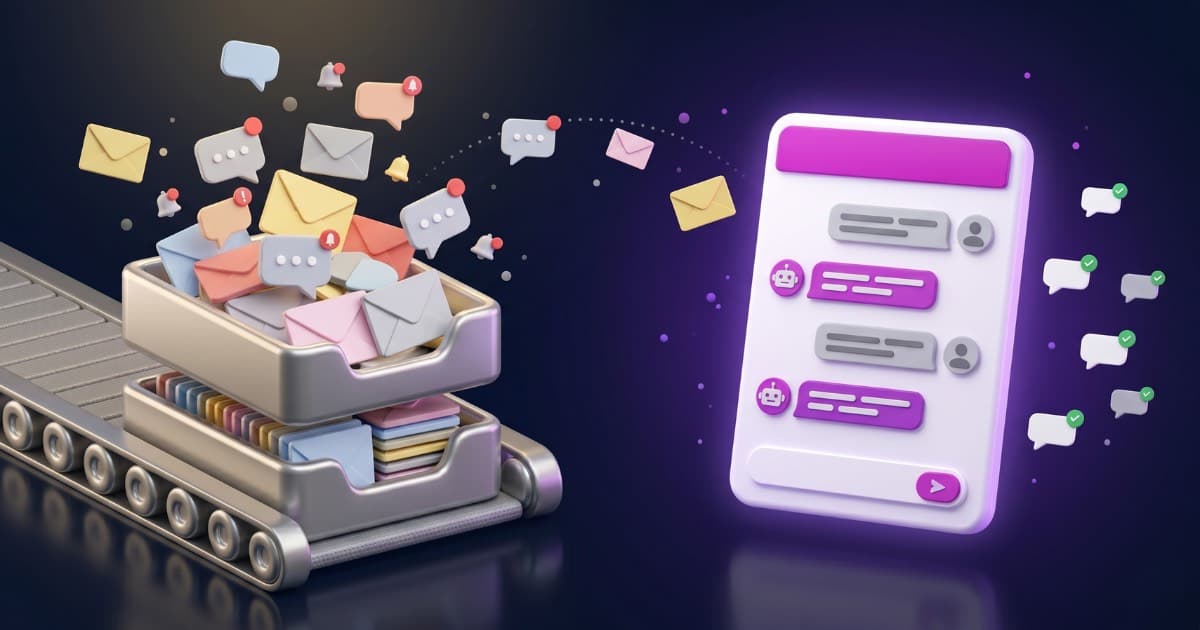
Live chat for customer service is a chat window on your site where the customer types and a person from your business answers right then, in real time. That “live” part is what defines it: there’s a real human on the other end — an agent, or a whole support team — replying in the moment, not a form you get to hours later. It’s one of the channels people like most because it doesn’t force them to call or wait on an email.
Its long-standing catch is the flip side of that: if a person answers it, someone has to be watching the chat. That’s why classic live chat is built for companies with a support team. In this guide we cover what it is, what it does for your business and, above all, a different way to offer it without that team: let an AI chatbot handle the bulk and step in yourself only when it’s actually worth it.
What live chat for customer service is
Live chat for customer service is that little conversation bubble in the corner of a website: the visitor types a question and a person from the business answers live, in real time. That’s the definition — it’s not a form or an email you reply to later, but a live conversation with someone (a support agent) on the other side. Compared with the phone (which ties up a person per call) or email (which can take hours), it resolves things on the spot, right where the customer already is: your page.
It’s worth telling it apart from a chatbot, because they’re not the same. Live chat, in its classic form, is answered by a person; a chatbot is a program that answers on its own, with no one behind it. They’re two different ways of handling the same chat bubble, and today the best move is to combine them: an AI customer service chatbot that really answers with your business’s information and, when the case calls for it, hands the conversation to a person. That’s where this article is going. If you want the nuance between bot and agent, we go into it in AI agent or chatbot and in rule-based chatbot vs AI chatbot; and if you want to see a real agent, in our guide to OpenAI Dots.
Why customers ask for it
The reason is simple: people want an answer now. Calling feels like a chore, and waiting a full day for an email reply, even more so. Live chat fits the way we write today — just like messaging — and lowers the bar to ask: someone on the fence about buying asks right there instead of leaving. That “let me ask quickly and move on” is exactly the moment a business wins or loses a sale.
The problem is that this expectation of instant answers clashes with the reality of a small business: there’s no one sitting there waiting for a message to come in. And a chat that’s slow to reply is worse than not having one, because it promises something it doesn’t deliver.
The catch with classic live chat
Here’s the detail almost no article states plainly. Old-school live chat — the kind the big platforms sell — assumes you have a team of agents watching an inbox of conversations. For a company with a support department, great. For most businesses, that’s exactly what they don’t have: no one can spend all day keeping an eye on the chat.
The usual result is a chat widget that, in practice, works like a slow form: the customer types, no one’s there, and you reply hours later — when they’ve already gone somewhere else. The “live” promise breaks.
The twist: AI chatbot with human handover
The sensible way to have live chat today, without building a team, is an AI chatbot that handles the bulk and knows when to step aside. It works like this:
- The bot really answers, using your business’s information (your site, your documents, your catalog) as its only source — it doesn’t make things up. That covers most conversations without you lifting a finger.
- When the customer asks to talk to a person, the bot picks up on it — within the hours you set — asks for an email so it can follow up, and alerts you right away.
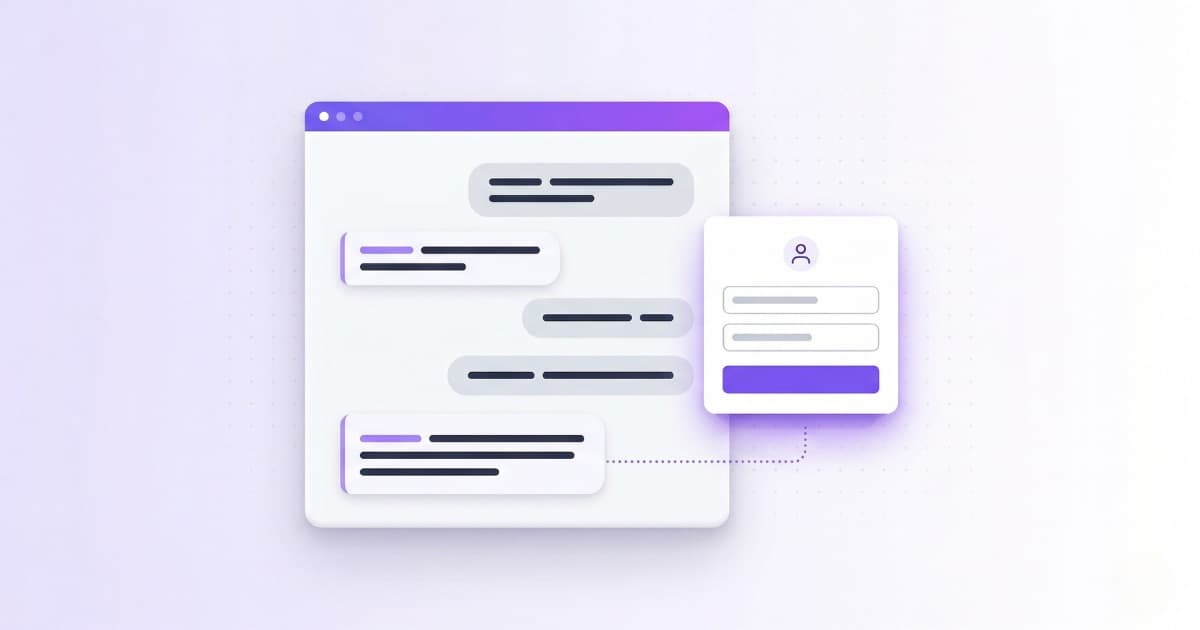
- You (or whoever) take over from the panel: you hit «Take over», the bot goes quiet and you write in that same conversation, where the customer already was. No switching tools, and no making them repeat anything. When you’re done, you turn the bot back on with one click.
The bot answers and alerts you; when you hit «Take over», you reply in that same chat.
It’s the best of both worlds: the chatbot’s instant answers for the vast majority of repeat questions, and a person’s touch for the few cases that deserve it — a complaint, an upset customer, a big sale. You don’t need a team in a queue: you need the bot to cover the routine and flag what matters. How well the bot answers depends on what you train it with; on why it sometimes fails and how to avoid that, we wrote AI for customer service.
What your business gets
Set up this way — the bot handles it and you step in when needed — here’s what a live chat gives your business:
- Fewer lost sales: the question gets answered at the moment of decision, not once the customer has already left. We cover it in depth in how to capture customers with a chatbot.
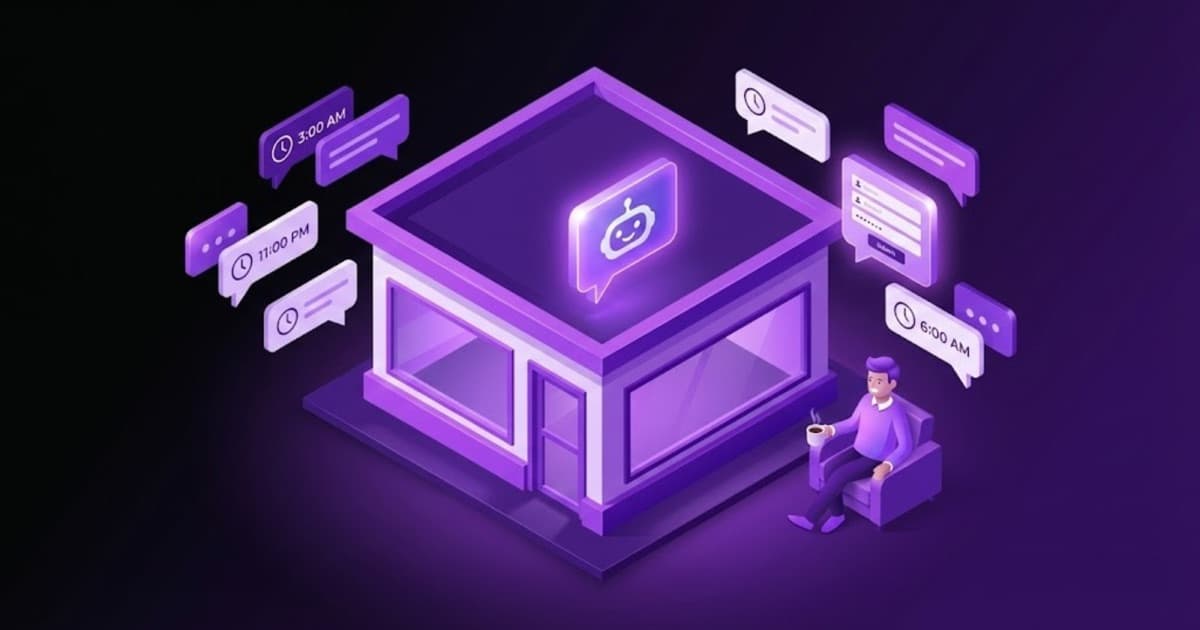
- Coverage at any hour: questions don’t only come in nine to five. Since the bot covers the chat, it also replies outside your hours, without you having to be there.
- Less repetitive work: the same handful of questions (prices, shipping, hours, availability) gets answered on its own, and you deal with what actually needs a brain.
- Context when you step in: when you take over a conversation, you already have in front of you what the customer was asking about; you don’t start from scratch.
Best practices
- Answer fast or don’t promise “live”: if the bot covers the chat, this is handled by default. The cardinal sin is a slow chat.
- Train the bot with your real information and review it: a chat that answers badly costs you more than one that isn’t there.
- Make it dead clear when to switch to a person: let the customer say “I want to talk to someone” and make the handover clean.
- Human tone: greet, use their name if you have it, and don’t fire off robotic replies. A well-tuned AI already writes naturally.
- Place it where it barely gets in the way but is still visible: a discreet bubble that doesn’t cover the content.
How to set it up without a team behind it
There are plenty of live chat tools — Tidio, Crisp, Freshchat and the rest — almost all with a free plan. Most were born for a team to work an inbox, and their AI tends to sit outside the free plan: we checked by asking their own bots in whether the free plans of Tidio, Crisp and Freshchat have AI. If what you want is to compare what each option costs, how much an AI chatbot costs has real prices.
With Bravos AI the approach is the opposite: let the bot handle it for you and step in only when you add something. You set it up in three steps and without installing anything complicated — you create the chatbot, train it on your business’s content (your site, your documents, your catalog) and paste one line of code to add live chat to your website as a chat bubble. It answers at any hour using only your information, without making anything up. And when a person is needed, you open the conversation in the panel, hit «Take over», the bot goes quiet and you write in that same chat; when you’re done, you turn it back on with one click. If it’s the customer who asks to talk to someone, the bot picks up on it within the hours you set, asks for an email so it can follow up, and alerts you right away. You can try it with the 7-day PRO trial, which includes human handover.
That same bot can also handle WhatsApp with the same idea behind it (auto-reply on WhatsApp), and if you’re weighing whether it fits your size, chatbot for small business helps.
FAQ
What is live chat for customer service?
Live chat is a chat window on your site where the customer types and, in its classic form, a person from the business answers live, in real time, with no calling and no waiting on an email. Today it’s increasingly common for the first responder to be an AI chatbot that answers with your business’s information and hands the conversation to a person when needed.
Live chat or chatbot: which do I need?
It’s not one or the other. Classic live chat needs people staffing it; a chatbot answers on its own. What works for a business with no team is to combine them: an AI chatbot that handles the bulk and flags a person for the cases that deserve it.
Do I need a team to have live chat?
No. That’s the trap of traditional live chat, designed for support departments. With an AI chatbot that handles it for you and only alerts you when someone wants a person, you have live chat without anyone glued to the chat all day.
How is live chat with AI different from a regular chatbot?
A regular chatbot only answers automatically. Live chat with AI also answers using your real business information and allows human handover: a person can take over and write in the same conversation whenever it makes sense.
How do I move a conversation from the bot to a person?
When the customer asks to talk to someone, the bot picks up on it (within the hours you set), asks for an email and alerts you right away. Then you open the conversation in the panel, hit “Take over” and write in that same chat, without the customer moving anywhere or repeating what they’d already said; when you’re done, you turn the bot back on with one click.
Is there free live chat software?
Yes. Tools like Tidio, Crisp and Freshchat offer free plans, but their AI usually sits outside the free tier and they’re built for a team to staff an inbox. We checked what the free plans of Tidio, Crisp and Freshchat really include. For a business with no team to staff it, a free plan you can’t attend doesn’t keep the “live” promise.
Is 24/7 live chat support worth it?
For most small businesses a person can’t cover the chat around the clock, but an AI chatbot can. If the bot handles the routine at any hour and only pulls you in when a customer wants a person, you get round-the-clock coverage without anyone glued to the chat at 3 a.m.
Live chat without building a support team
With Bravos AI, the bot answers at any hour with your business’s information and you step into the conversation when it’s needed. Try it free for 7 days on the PRO plan, which includes human handover. No commitment.
Try PRO free for 7 days